
A picture cut and a sound cut do not have to happen together.
1. Decide what the transition needs to connect.
Two convincing AI shots can still feel unrelated when placed next to each other. Their compositions may work individually, yet the change of space, rhythm or atmosphere feels abrupt. Before adding a visual transition, consider whether the sound can introduce the next idea or let the previous one finish.
A sound bridge carries an audible connection across a picture cut. It might be an environmental texture, a voice, a musical phrase or a deliberately designed effect. The important decision is what the audience should understand from that connection. Are we staying in the same place, anticipating a new location, or following an emotional thought across different images?
Do not ask sound to conceal a broken product shape, a changing face or an unexplained action. Those remain picture problems. Sound can guide attention and establish a relationship, but the visual sequence still needs to make sense. Review the assembly without sound first, using the guide to editing separate AI shots where the sequence itself needs work.
For a brand film, write a transition intention in plain language: “Hear the destination before we arrive,” or “Let the last physical action carry us into the closing message.” This gives the editor a reason to move the audio boundary instead of applying the same effect at every cut.
2. Separate the picture cut from the sound cut.
A straight cut changes the relevant picture and sound at the same point. A J-cut introduces the next shot’s sound before its picture. An L-cut lets the preceding shot’s sound continue after the picture changes. Apple’s Final Cut Pro documentation describes these as split edits, with independently adjusted audio and video boundaries. Source: Apple’s split-edit guide.
These are timing relationships, not promises of a cinematic result. A straight cut may be exactly right for a sudden change. A long overlap may make two locations feel unintentionally simultaneous. Choose the relationship that communicates the intended transition, then adjust its duration by listening in context.
| Choice | What happens | Useful question |
|---|---|---|
| Straight cut | Picture and relevant sound change together. | Should the change feel immediate? |
| J-cut | The next sound arrives before the next picture. | Should the audience anticipate the destination? |
| L-cut | The old sound continues under the new picture. | Should the previous action or thought linger? |
With separately designed sound, the same editorial relationships can be built using independent tracks. Keep narration, environmental beds and specific actions separate while working. A music track playing continuously underneath both shots is not automatically evidence that the transition is clear.
3. Build a small timeline before adding layers.
FICTIONAL WORKED PLAN / NOT AN AUDIO TEST
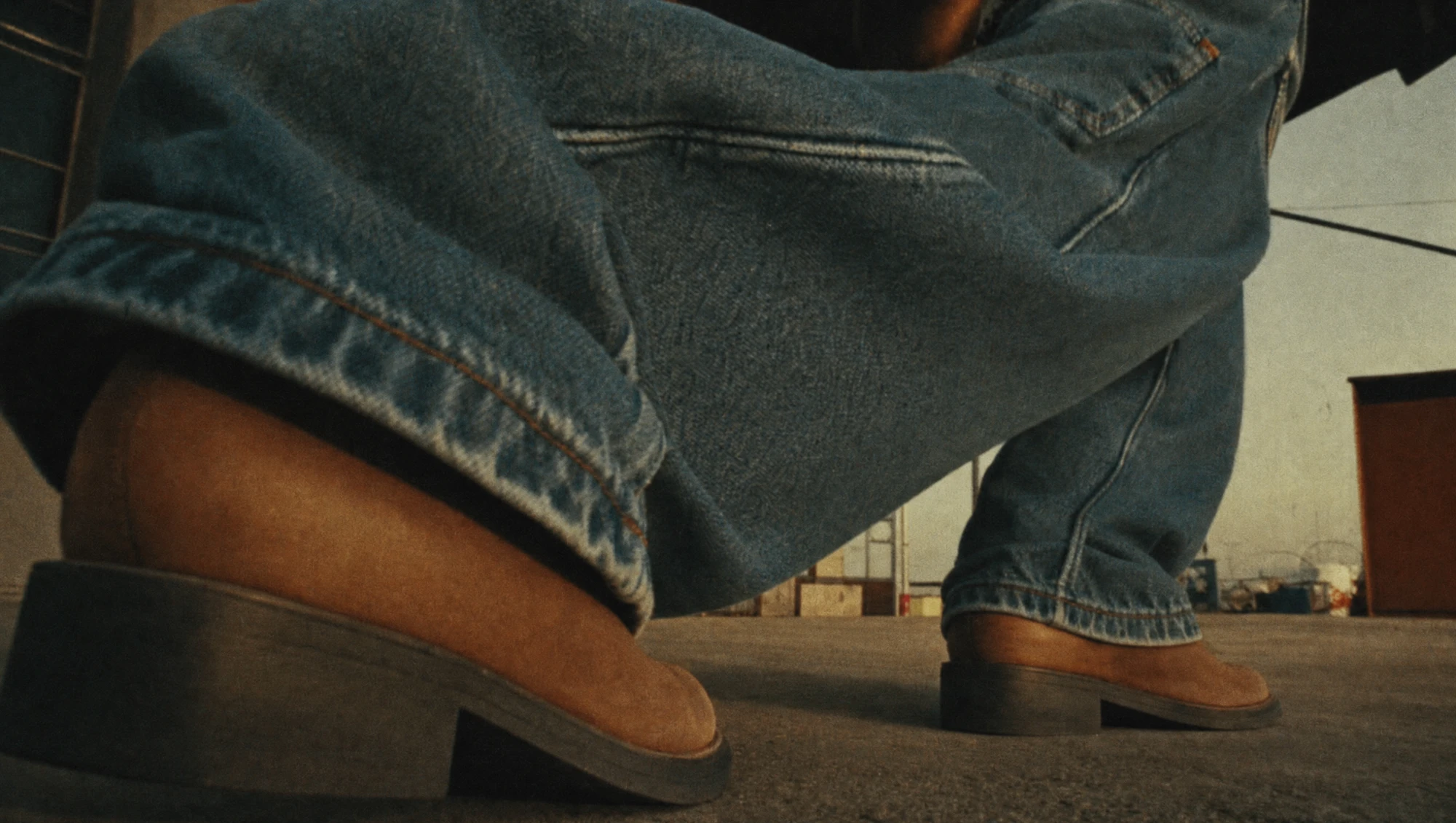
Imagine a twelve-second concept for an invented footwear label called Vale Step. Shot A shows a boot crossing a quiet interior floor from 0–4 seconds. Shot B shows the wearer outdoors from 4–9 seconds. A graphic closing card runs from 9–12 seconds. No Vale Step commission, finished film or sound recording exists; the numbers below are proposed edit positions.
The communication goal is to move from preparation into the outside world, then leave room for the brand. Keep the picture cuts fixed initially. That makes it possible to compare the effect of audio timing without also changing the visual rhythm.
| Time | Picture | Proposed sound decision |
|---|---|---|
| 0–3.5s | Interior boot movement. | Quiet interior bed; a step only where visible contact supports it. |
| 3.5–4s | Interior continues. | Introduce a restrained outdoor air texture before the cut. |
| 4–8.8s | Outdoor shot. | Resolve into the exterior environment; remove the interior bed. |
| 8.8–9s | Last visible outdoor action. | Place a final supported foot contact if the footage contains one. |
| 9–9.3s | Closing card. | Let only the final step’s natural decay continue. |
| 9.3–12s | Brand and message. | Keep the closing space clear for its intended sound or silence. |
The proposed half-second lead is a starting point for a comparison, not a recommended setting for every film. If the outdoor texture sounds like a leak in the interior scene, shorten it, simplify it or return to a straight cut. If the viewer needs more preparation, try a different lead and compare again.
The short tail into the closing card is also conditional. Do not invent another footstep after the person has disappeared. Carry the decay of an action already heard, then let it end. A continuing walking pattern would imply ongoing movement and may compete with the brand message.
Save three candidate edits with identical pictures: A with straight sound changes, B with the early outdoor cue, and C with that cue plus the closing tail. This is a proposed evaluation method. No preference or measured improvement is claimed here because these candidates have not been produced.
4. Match the sound to the viewpoint.
An audio overlap can fail even when its timing is sensible. A distant wide shot and a close view may suggest different levels of detail. A large indoor space and an open exterior may need different acoustic treatment. The goal is a deliberate perspective, not simply the loudest or most detailed effect available.
In the fictional example, identify the surface, footwear and visible contact before selecting the step. A heavy impact under a light movement can change the apparent weight of the action. A repeated pattern can expose a mismatch if the visible rhythm differs. Check the actual footage rather than assuming that a generated motion will follow a regular cycle.
Keep a distinction between sound attached to an action and sound used as a stylised transition. A designed swell can be useful, but it should not be presented as a literal recording of the pictured environment. Label temporary effects in the working timeline so reviewers know whether they are judging an intention or an approved final sound.
For generated clips with existing audio, listen for unwanted voices, music or changes in atmosphere before combining them. Decide which parts, if any, belong in the edit. Do not retain a clip’s soundtrack merely because it arrived with the picture, and do not assume that every generation tool provides editable stems.
In the brief, name the sound priority at the cut. If narration carries the message, avoid placing a strong new transient over its first syllable. The voiceover brief helps define those speech windows; the sound bridge should support them.
5. Review the connection, not just the effect.
Play each candidate from before the transition through the following shot. Looping only a few frames around the cut can make a technical join sound acceptable while hiding a pacing problem in the full sequence. Keep playback conditions and overall listening level consistent when comparing versions.
Ask a reviewer to describe where they think the sound comes from. If the intended destination is heard as something inside the old scene, the bridge may be ambiguous. That ambiguity can be an intentional creative choice, but it should not be an accidental consequence of a poorly defined cue.
COMPARISON NOTES
- What did the sound make you expect before the picture changed?
- Did the next image satisfy that expectation?
- Did the previous sound stop at a believable or intentional point?
- Could you understand the voice and closing message?
- Was the transition still understandable with audio muted?
- Which version served the idea, and what specific moment explains that choice?
A muted check matters for versions that may be encountered without sound. It does not replace listening; it reveals whether essential information exists only in the soundtrack. If the bridge is doing all the explanatory work, consider a clearer visual connection or appropriately planned on-screen information.
Reviewing specialist work also helps separate production disciplines. Melbourne’s Baxter Sound lists dialogue editing, Foley editing and final mixing alongside sound design, and its portfolio includes the animated project “Letters.” Those are the studio’s own service and project listings; they do not establish how any individual transition was made. The practical lesson for a brief is to identify the required editorial work instead of treating “add sound” as a single undifferentiated task. Source: Baxter Sound.
6. Hand over the decision and its boundaries.
Once a version is selected, record the picture cut, the audio entry, the audio exit and the intention. Use the project’s timecode for the working handover, and include the picture version. A timing note without a version reference becomes unreliable as soon as the edit changes.
For Vale Step, a useful provisional note would be: “Exterior air begins before the four-second picture cut to anticipate the outdoor scene. Interior ambience is gone by the exterior shot. The last visible step may decay briefly into the closing card, but no additional walking continues.” That specifies a relationship without pretending the proposed timings have already passed a listening review.
Keep the source files and editable arrangement required by the agreed handover. Identify which audio is temporary, which is approved and which needs replacement. Confirm the permitted uses of the audio assets through the applicable supplier or agreement before final delivery. Then check the exported film, because an approved working timeline is not the same as an inspected final file.
When adapting to a shorter version, revisit the bridge rather than simply trimming the finished soundtrack. The new cut may remove the action that justified the sound tail, or place the early cue over a different image. The match-cut guide covers the complementary visual relationship; sound timing needs its own review.
A successful sound bridge makes the intended connection easier to follow. It may be almost unnoticed, or deliberately expressive. The decision should come from the story and the actual material, with a straight cut kept available whenever it communicates more clearly.
Sources checked 23 October 2026. Vale Step is fictional and the timeline is an unproduced editorial plan, not a completed test or client result. No audio was generated for this article. Explore images are independent references, not frames from a verified sequence. External documentation and studio listings are attributed to their publishers.
DELIVER WITH INTENTION
Separate shots.
A considered connection.
Bring the sequence and the feeling you want the transition to carry.
Discuss your project ↗