
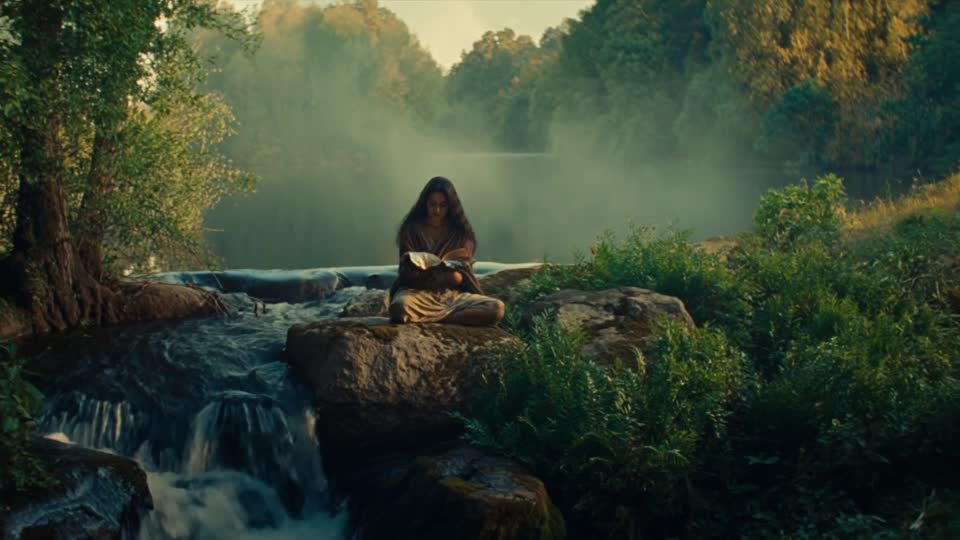
An edit makes one image matter to the next. Plan the story, select usable ranges and review what happens at every cut.
1. Give each shot a job in the sequence.
A collection of striking clips does not yet tell the viewer where to look or what happens next. Editing creates that relationship. The first useful assembly is a sequence of decisions: what information arrives, what changes, and which image makes the next one meaningful?
Write the intended story in a few short beats before choosing favourite shots. A beat could establish a place, reveal a detail, show a reaction or land a message. If two clips do the same job, compare them in context instead of keeping both simply because they look good. If an essential beat is missing, record the gap before commissioning more footage.
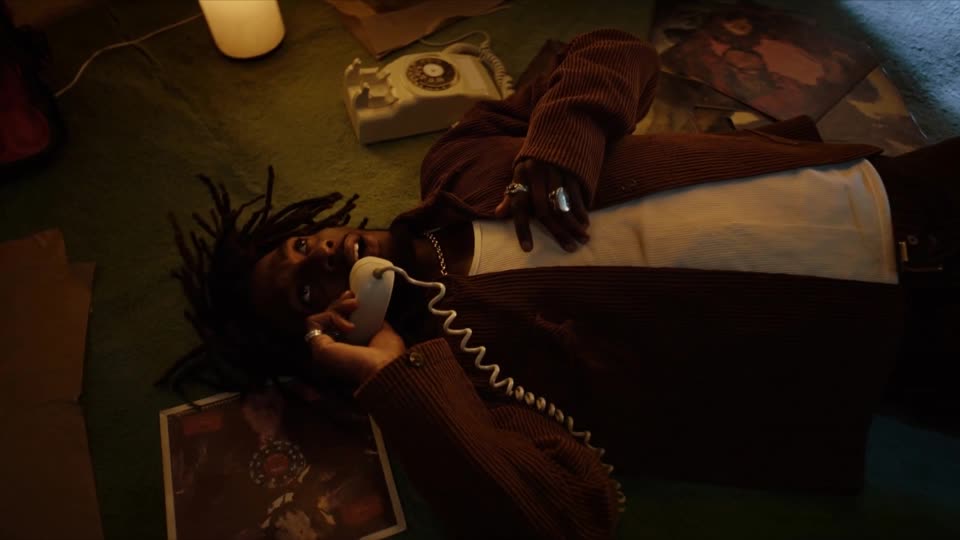
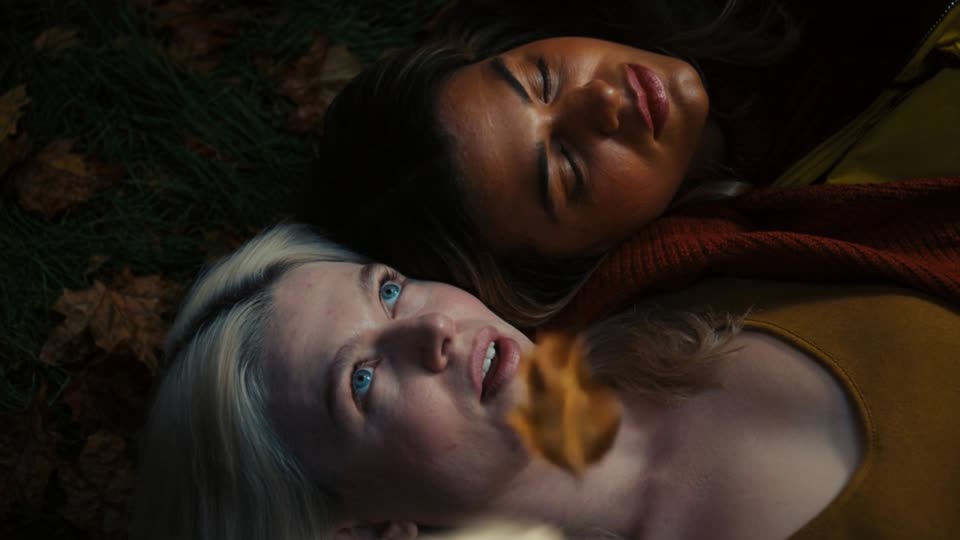
This article develops a fictional twenty-second film for an imaginary reading retreat: arrive, settle, notice the surroundings, return to the reader, then show the message. It is an editorial planning exercise. No sequence was generated or tested, and the timings are proposed edit durations rather than model settings. The four Explore images are independent discussion references, not frames from that fictional film.
The practical distinction from planning camera movement is that the unit of judgement is now the relationship between shots. An attractive move may be the wrong choice if it arrives too late, repeats the previous shot or makes the next cut confusing.
2. Select usable ranges, not whole generations.
Review each source clip from beginning to end. Mark where its useful action starts, where it becomes readable and where it stops being reliable. The selected range may be shorter than the generated file. An awkward opening can sometimes be removed; an unstable final frame should not automatically become the next shot's reference.
Keep a simple selection note for each candidate: source filename, useful range, shot purpose and unresolved problem. Distinguish a creative preference from a technical fault. A slow performance may be a pacing issue; a changing object shape may make the shot unsuitable for an accuracy-sensitive scene.
Retain extra usable footage around the intended cut where available. Editors call these extra portions handles. They give room to change timing or test a transition, but only if the extra frames are sound. Padding a clip with defective frames does not create useful flexibility.
For our fictional retreat, the opening requires the viewer to recognise the riverside before the next shot. A candidate that only becomes legible at its end may need a longer hold or a different place in the sequence. Do not force it into a short slot merely because the plan assigned that slot three seconds.
3. Build a twenty-second paper edit.
A paper edit specifies the information and approximate timing before the final footage exists. It is a way to discover missing coverage. The following proposal uses five beats, with the final four seconds reserved for a quiet message. That allocation is illustrative; the actual cut would change once the material and final wording are available.
FICTIONAL EDIT PLAN
An imaginary reading retreat
Audience: people considering a quiet day away. Intended message: make room for uninterrupted reading. The concept is uncommissioned and has no associated performance claim. The archive cover suggests a setting; it is not evidence that this film was made.
| Target time | Story job | Proposed material | Cut condition |
|---|---|---|---|
| 0–3 seconds | Establish the place | Wide riverside composition | Setting reads before the cut |
| 3–7 seconds | Introduce the activity | Reader settling with an open book | Action reaches a clear resting point |
| 7–10 seconds | Notice the surroundings | Water or leaves as an insert | Detail adds atmosphere without losing the story |
| 10–16 seconds | Return to the person | Closer view of the reader | Pose and screen direction make sense |
| 16–20 seconds | Land the message | Stable frame or designed end card | Final wording has time and space to read |
Suppose the closer view changes the book's colour. The insert does not make that discrepancy disappear. You could choose a better matching take, correct the relevant detail through a controlled workflow, change the closer view or redesign the sequence. The decision depends on whether that detail matters to the story and the agreed reference.
Now suppose the wide shot already makes the reading activity clear. The second beat might be shortened, leaving more time for the final message. The plan is useful because it names a job for each shot, not because its initial durations must survive unchanged.
4. Review continuity at the boundary.
Place the outgoing and incoming shots next to each other and watch the cut repeatedly at normal speed. Then compare their boundary frames. Check the subject's position, facing direction, action, important props, light and background. Decide what the audience should perceive as continuous and what is intentionally changing.
Screen direction is especially useful to track. If a person looks towards the right edge in one shot, an unrelated change of gaze in the next can imply a new relationship. A deliberate change may be expressive; an accidental one can make the geography harder to follow. Judge the meaning of the cut rather than applying a matching rule without context.
For the retreat exercise, keep a small continuity record: reader's clothing, book appearance, sitting position and the direction of light. An insert of water can change the rhythm without having to reproduce all those details, but the return to the reader still needs checking.
A cut can also intentionally move to another time or location. Make that decision clear through the sequence and sound. Do not describe two unrelated archive images as one campaign simply because they look compatible; their relationship in this article is educational.
5. Choose between extending a shot and making a cut.
A longer continuous shot and a sequence of separate views solve different problems. Continuing a useful moment can preserve a performance or movement. Cutting to a new view can reveal information, change emphasis or omit uneventful time. Decide which serves the story before choosing a generation feature.
Runway's image-to-video guide describes extracting the final frame of a generation as input for another clip, then joining the results in an editor and adjusting the shared frame. This is a documented workflow, not a guarantee that identity, speed or lighting remain seamless across every output. Source: Runway image-to-video guidance.
Higgsfield's Veo 3.1 page describes a start-and-end-frame mode using two reference images. Treat that as a way to specify proposed endpoints. Inspect what happens between them; the endpoints alone do not demonstrate a convincing action or an edit-ready result. Source: Higgsfield's Veo 3.1 overview.
For the fictional retreat, a cut from the wide view to the reader may communicate more clearly than a long generated journey towards them. If the intention instead depends on watching a page turn without interruption, continuing that action might be worth exploring. Record why continuity is needed so that extra generation serves a concrete editorial purpose.
Runway also notes in its Seedance 2.5 guide that prompt timestamps guide pacing rather than define frame-accurate edit points. Exact placement of a final message therefore belongs in the edit and finishing plan, not in an assumption about a timestamp in a prompt. Source: Runway's Seedance 2.5 guidance.
6. Test picture, sound and finish in separate passes.
Watch a picture-only assembly to check whether the story reads. Then add the intended sound and review the experience again. Sound may carry atmosphere across a cut, announce an event before it appears or deliberately separate two moments. It should support a clear editorial choice rather than conceal a sequence that does not make sense.
For the retreat plan, a consistent river ambience could connect the wide view and the reader. A quieter ending could give the final wording room. These are proposed sound decisions, not audio that has been produced. Our sound-design worked example explains how to record cues and layers.

After the structure works, review colour, texture and any finishing changes across the sequence. A single shot can look attractive on its own and still feel unexpectedly bright or sharp next to its neighbours. Keep an approved reference for important identity details when corrections are made.
Melbourne studio cheeki describes editing, colour, sound and VFX as part of its post-production offering and acknowledges that generated outputs require further work. That is its own service description, not a measured comparison of studios. Our takeaway is to reserve explicit time for the joins and finishing, not only for producing individual clips. Source: cheeki production overview.
7. Keep an edit decision record.
When asking for another version, name the cut or range and explain what the viewer needs. “Shorten the water insert so we return to the reader before the final line begins” is a more useful note than “make it flow”. Preserve decisions that already work, and identify whether the change needs different footage, a trim, sound work or a new graphic.
- Story: each selected shot contributes information or feeling.
- Timing: important actions and wording have enough readable time.
- Continuity: deliberate changes are distinguishable from accidental mismatches.
- Selection: the entire used range has been reviewed, including the cut boundaries.
- Sound: cues support the picture and suit the intended playback context.
- Handover: source filenames, chosen ranges, version names and unresolved limits are recorded.
For our fictional twenty-second edit, the final acceptance question is simple: does the viewer understand the setting, the activity and the invitation without needing an explanation? A technically impressive transition is optional. A readable sequence is the purpose.
Once the main edit is approved, plan its format adaptations rather than assuming every crop tells the same story. Nightwolf's film and post-production capabilities connect the creative direction with those final delivery decisions.
Sources checked 7 October 2026. This is a fictional editorial plan and sourced workflow analysis, not a generation experiment, client case study or performance test. Explore thumbnails are independent references; no new video or imagery was generated.
GIVE THE SEQUENCE SHAPE
Separate shots.
One clear story.
Share the story and the footage. Let’s shape the sequence.
Discuss your project ↗