
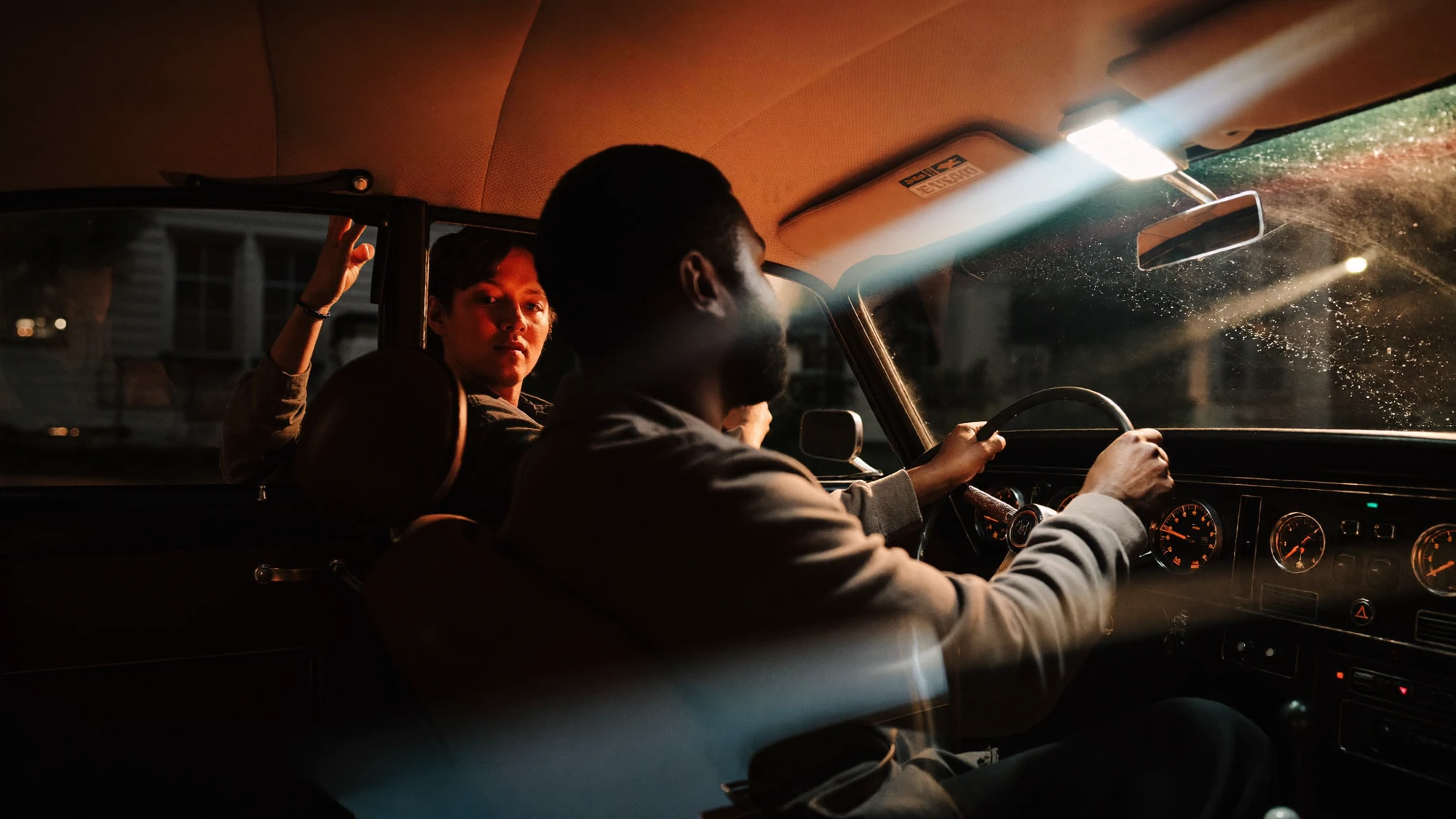
To adapt a campaign film, identify the message that must survive, plan each placement, rebuild framing where needed and review sound and captions for every version. Use the matrix and worked example below to plan the edit.
1. Start with the message that must survive.
Before shortening a film, describe its essential idea in a sentence. Then identify the evidence that makes that idea convincing. If the story is about a product being useful in a specific situation, the adaptation needs both the product and enough context to make its usefulness clear. If it is about a feeling, the edit needs the images and rhythm that establish that feeling.
This gives an editor a more useful starting point than “make a shorter version”. A shorter edit is a new arrangement of information. Removing the opening might save time while making the final shot confusing. Keeping a beautiful transition might leave too little room for the product or the closing message.
Mark the original film by function: introduction, context, demonstration, emotional turn and closing action. Some shots perform more than one function. Others create atmosphere without adding new information. Neither is automatically expendable. Decide which functions the new placement needs and which can be supplied by the surrounding page or accompanying copy.
2. Make a placement matrix.
A placement matrix connects each deliverable to a viewing situation. Record where the film will appear, the shape of the frame, the intended duration, the role of sound and any copy that must be included. Obtain current technical requirements from the actual publisher or media team rather than assuming that every vertical placement uses identical specifications.
Separate creative choices from delivery requirements. A frame shape is a delivery constraint. Whether to begin with a person, a product or a place is a creative decision. Both belong in the plan, but changing one can affect the other.
| Illustrative version | Creative job | Essential content | Review focus |
|---|---|---|---|
| Website film | Introduce the campaign world | Enough context to establish the idea | Relationship to nearby page copy |
| Short vertical edit | Communicate one complete thought | A clear opening, useful evidence and ending | Framing, text and independent meaning |
| Product-focused edit | Make a selected feature understandable | Visible product detail and relevant context | Accuracy and legibility |
| Event-screen version | Read at the intended distance | Simple composition and essential message | Actual screen layout and viewing conditions |
These are planning examples, not a standard Nightwolf package. A real deliverable list should name the actual placements and approval owners. Include clean versions, captions and language variants where required, so they are considered during the edit rather than discovered at handover.
3. Rebuild the frame around the important action.
A crop can change the meaning of a shot. Two people facing each other may become an isolated face. A product shown in its surroundings may become an unidentified detail. Before committing to an automatic centre crop, identify the subject, the action and the contextual information that the viewer needs.
For each selected shot, mark the area that must remain visible. Then test the crop across the whole duration, not just on the opening frame. A subject can move out of the composition, a hand can cover the product or a camera move can reveal an unfinished edge. Reframing needs to follow the action without introducing distracting movement.
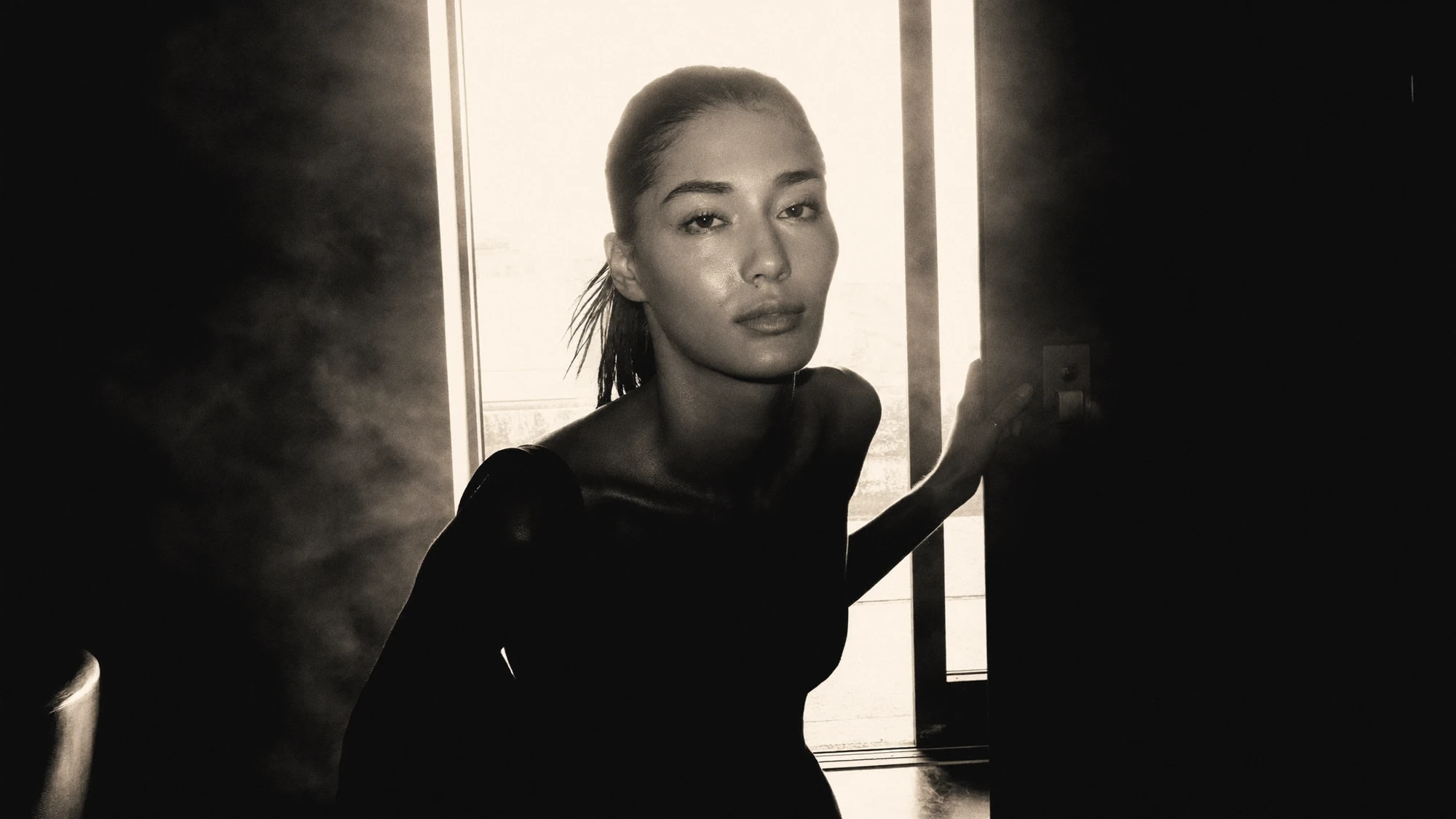
If the source cannot support the required composition, consider another shot, a designed layout or additional production. Extending an image can create room, but the new area still needs review for lighting, structure and continuity. It should not be treated as a finished solution merely because the frame now has the right dimensions.
4. Build a shorter story, not a faster master.
Speeding everything up can make a film harder to follow without making its idea clearer. Start by reducing the number of ideas competing for attention. Choose one main point for a short adaptation, then arrange the shots so that each adds something necessary.
An opening should establish what the viewer is looking at or why the moment matters. The middle should develop that proposition. The ending should resolve it or give a clear next action. These functions can happen very quickly, but they still need to exist. A series of attractive fragments may communicate a mood; it may not explain the product or campaign.
5. Give sound and captions their own review.
An adaptation can lose its logic when the original soundtrack is shortened. Dialogue may begin midway through a thought. A musical build may arrive after the final frame. A sound cue that explained an action may disappear. Listen to each new edit as a complete piece, then watch it without sound to understand which information depends on hearing it.
Decide which information belongs in captions, which belongs in campaign copy and which should remain visual. Captions are more than a transcript of dialogue: W3C describes them as synchronised text for speech and relevant non-speech audio. Its guidance also says automatic captions need checking for accuracy. See the W3C caption guidance.
Keep text away from important action and test its readability at the intended display size. A line that looks comfortable in the editing interface may be difficult to read on a phone. Review the timing as well as the words. The viewer needs time to read while understanding the image.
6. Protect atmosphere where it carries the idea.
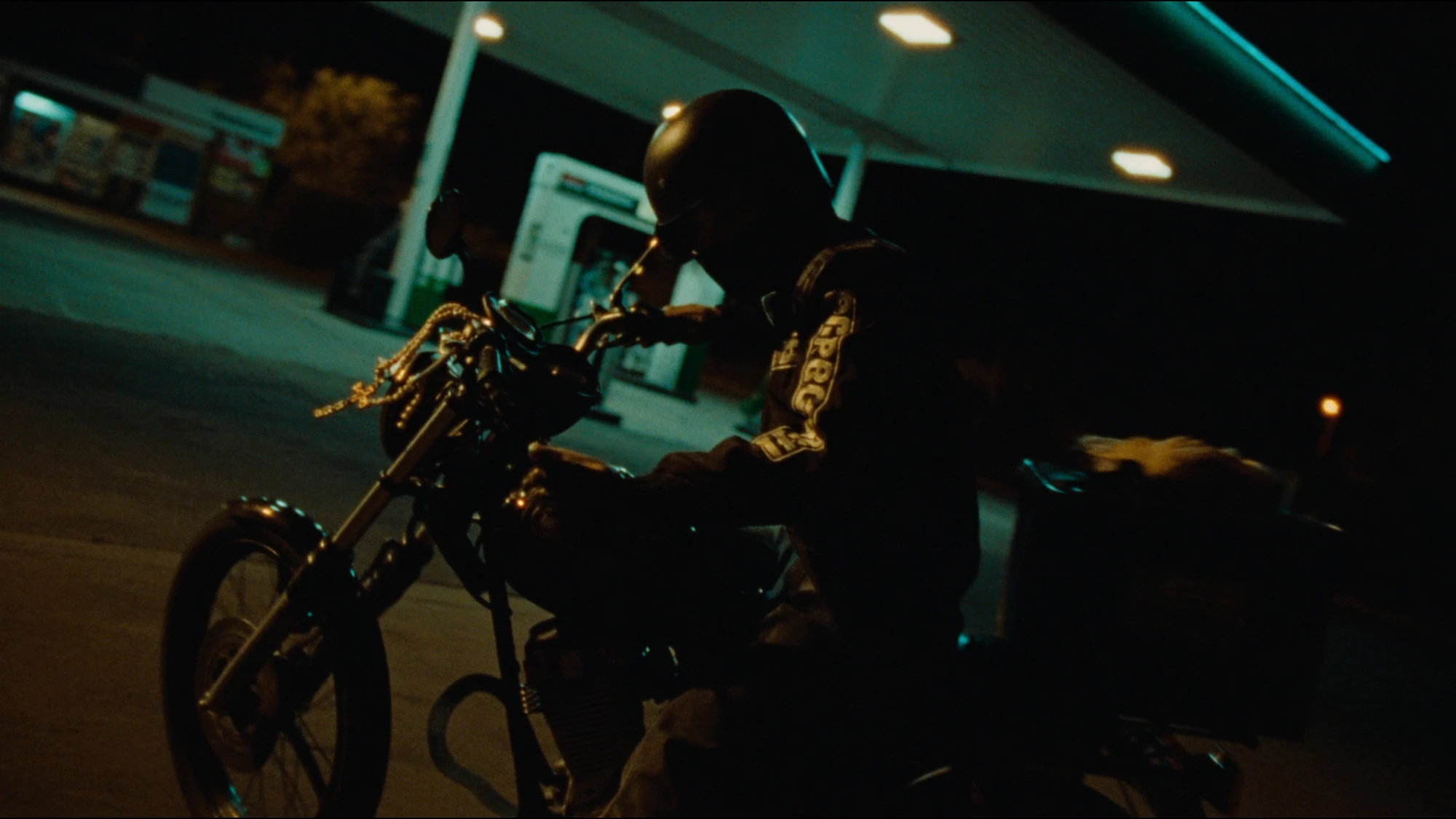
Efficiency does not require cutting every pause. Some images need time for the viewer to notice a relationship, understand scale or feel the intended atmosphere. Decide whether a slower moment is contributing to the campaign before shortening it.
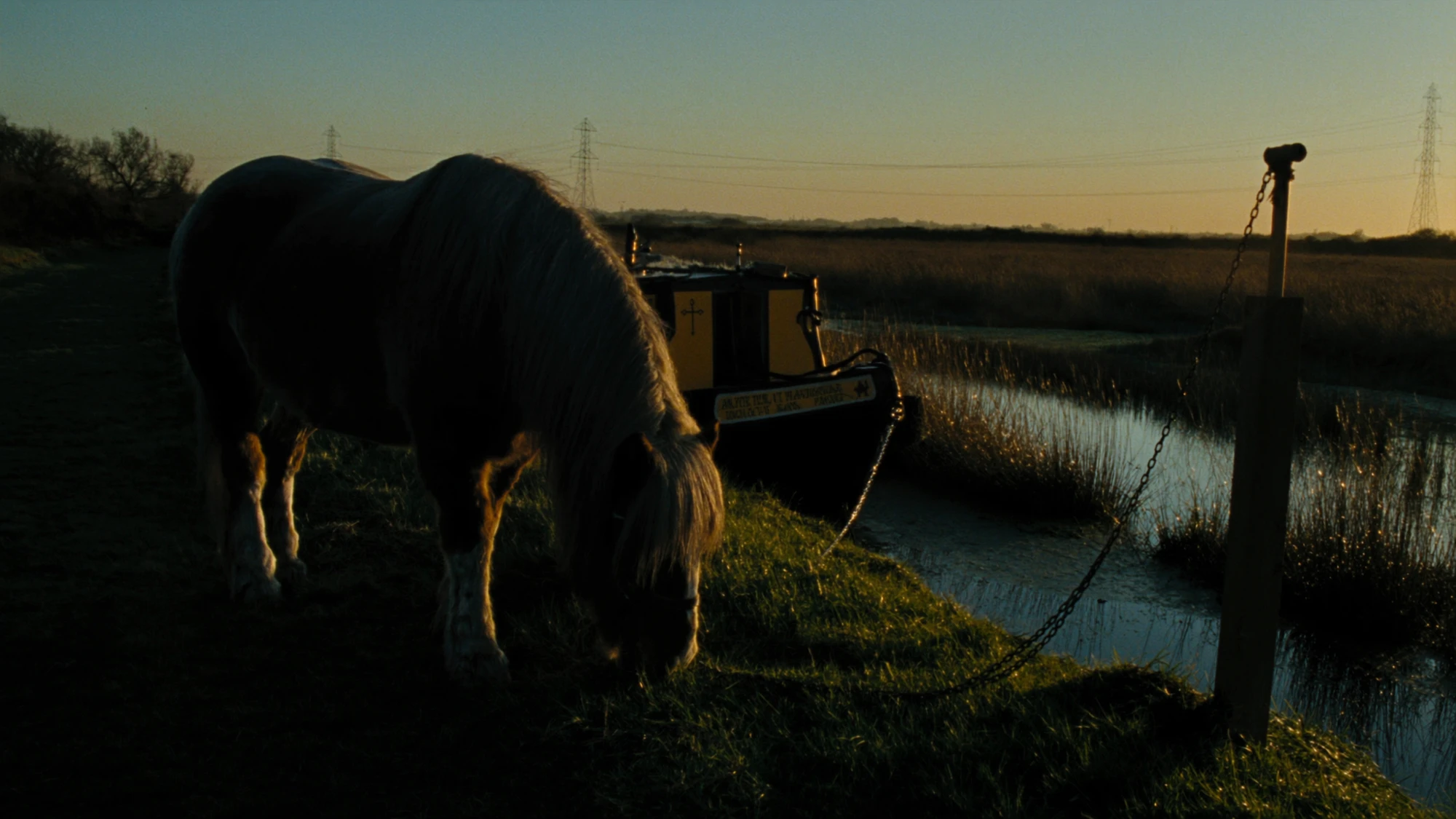
Compare two versions with different shot lengths. Ask what the viewer can actually perceive in each. If the detail is essential but disappears too quickly, simplify the surrounding sequence or choose a clearer image. If a long hold adds no useful information or feeling, shortening it may strengthen the piece.
The Explore images in this article are separate visual examples. They are not presented as frames from a single film or as verified before-and-after edits.
7. Review exports as individual deliverables.
The final check should use the exported file rather than relying only on the editing timeline. Confirm the opening and ending, text, sound, captions, framing and file identity. Check every requested version against the placement matrix, including clean and translated variants where applicable.
Use filenames that make the approved version understandable to the receiving team. Record the placement, language and version in a consistent way. Keep the approved source, review notes and export list together so a later update begins from the right material.
- Does this version communicate its intended idea independently?
- Is the important subject visible throughout every shot?
- Have text and captions been checked at the intended viewing size?
- Does the audio begin and end naturally?
- Are the product and campaign details still accurate?
- Does the export match the agreed placement requirements?
- Can the receiving team identify the approved file?
Good content adaptation preserves the reason a campaign exists while giving each version a clear role. Planning those roles early helps the creative team make choices about composition, coverage and finishing that support the full set of deliverables.
For the wider workflow, read How AI Production Works. Use How to Brief an AI Production Studio to define the deliverables, or explore Nightwolf's capabilities.
MAKE EVERY VERSION COUNT
One campaign.
More ways to tell it.
Bring the campaign direction, the assets you have and the places the work needs to live.
Discuss your campaign ↗