Camera movement directs attention through time. Plan the reason, the path and the finish before asking an image to become a shot.
1. Give the camera a reason to move.
A beautiful still can become a restless video if the camera moves without a clear purpose. A push towards a product may focus attention. A sideways move may reveal the relationship between foreground and background. A fixed frame may give a small action more weight. Before naming a technique, describe what the viewer should understand by the end of the shot.
For a brand film, that purpose is often simple: introduce the setting, reveal a detail, show an action or leave room for a message. Write one purpose per shot. If the same shot needs to introduce a location, rotate around a product, demonstrate its function and reveal a new character, it may contain several editorial tasks that would be clearer as separate shots.
This guide develops a fictional, unbranded botanical product film as a planning exercise. It has three shots and a twelve-second intended edit. No video has been generated for this article, and the timings and prompts are proposed directions, not measured results. The four Explore images are separate archive references. They are not frames from one campaign or a before-and-after test.
ILLUSTRATIVE PLANNING EXAMPLE
A useful starting sentence
“Let the viewer discover the bottle within the flowers, move closer to understand its shape, then finish with a calm composition that can hold the message.” This defines a progression before choosing a model, preset or camera effect.
2. Separate camera movement from subject movement.
Write down what the camera does, what the subject does and what the surrounding scene does. These are independent decisions. A camera can remain still while a person crosses the frame. It can track beside a moving subject, keeping them similarly placed while the background changes. It can also move around a stationary object. “Make it dynamic” does not tell the production team which relationship you want.
Runway’s image-to-video guidance says the input image establishes the visual starting point, while the text should concentrate on motion and progression. It recommends beginning simply and refining the important motion components. That is vendor guidance for its workflow, not evidence that every requested movement will be reproduced precisely. Source: Runway image-to-video prompting guide.
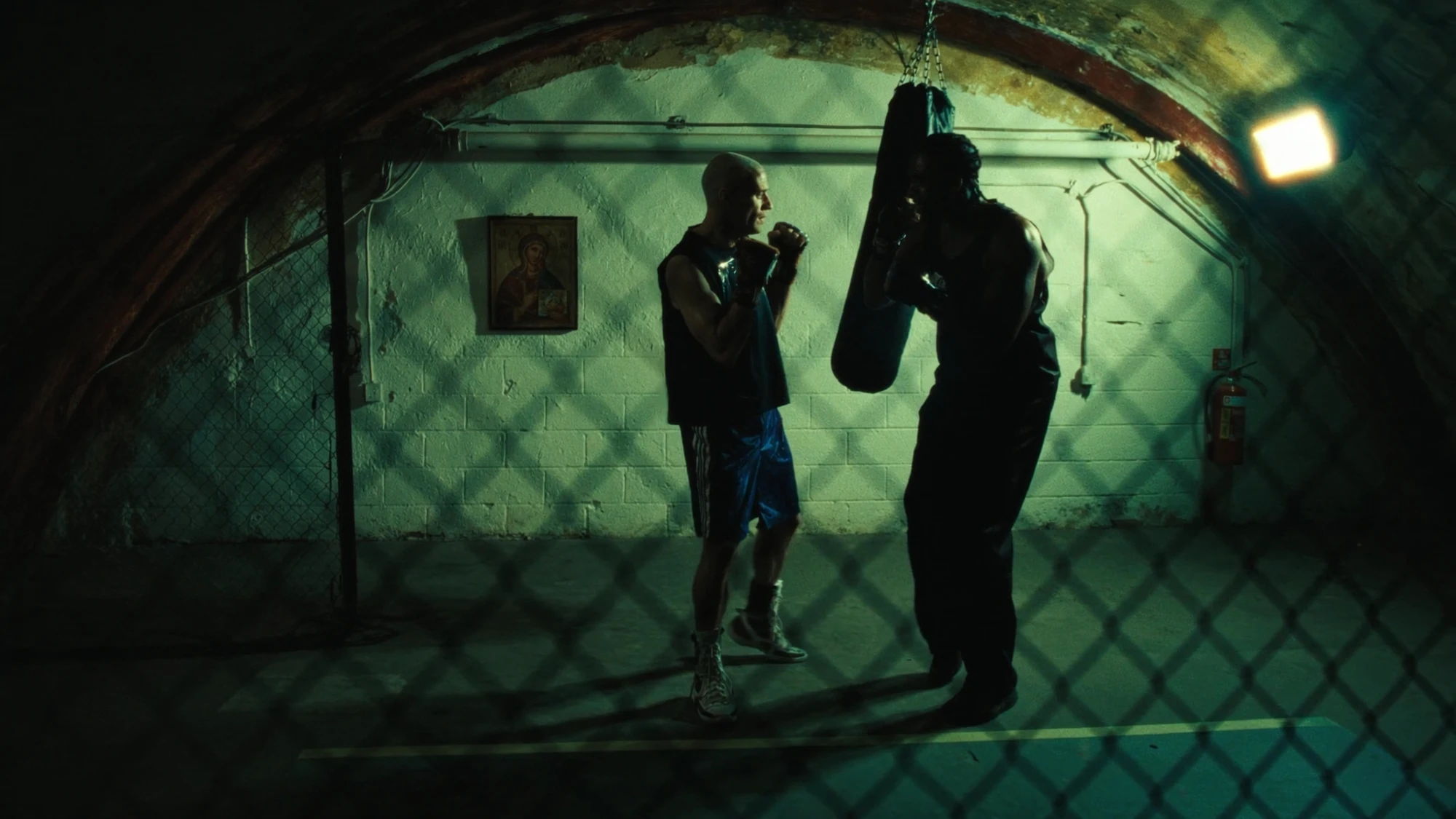
In the training-room cover, separate the people’s actions, any movement of the hanging bag, and the camera position. A fixed camera could let the action carry the shot. The still does not establish what movement occurred in the original work.
For the botanical exercise, keep the bottle still and give the flowers a small amount of movement. Then choose whether the camera also needs to move. Adding rotation, a focus change and a lighting transformation at the same time would make it harder to identify which decision helped or harmed the shot.
3. Choose a move by the information it reveals.
Use camera terminology to make the instruction understandable, then describe the intended visual result. A pan rotates the view from a fixed position; a tracking move changes the camera’s position. A push towards an object changes the spatial relationship with its surroundings; a zoom changes framing through the lens. In generated footage, review the apparent result rather than assuming that naming a physical technique guarantees physically accurate simulation.
Higgsfield’s Academy Prompt Bank separates static shots, pan and tilt, zoom and focus, and dolly and tracking movements, with examples that describe direction and the final composition. The library is useful for discussing alternatives with a team. Its prompts describe intended behaviour; they are not a guarantee of repeatable geometry or exact timing. Source: Higgsfield Academy Prompt Bank.
| Story need | Direction to consider | What to check |
|---|---|---|
| Let a small action carry attention | Fixed composition | Unwanted drift, reframing or background movement |
| Introduce something beside the subject | Pan with a clear landing frame | Whether the reveal arrives soon enough to read |
| Explore depth around an object | Short lateral move or restrained push | Foreground overlap, product shape and background stability |
| Move attention between two planes | Focus change with stable framing | Whether the important detail becomes legible |
| End with a readable message | Settled framing or a separate end card | Space, contrast and a usable hold |
For this exercise, a large orbit is unnecessary. It would reveal sides of the bottle that the approved front image does not document, creating more detail to verify without advancing the message. A shorter move gives the viewer a closer look while keeping the intended product view easier to assess.
4. Check what the starting image already implies.
The initial frame is part of the direction. Pose, balance, blur, foreground objects and the available space around the subject all affect what movement would make sense. Before writing a prompt, identify the visible cues and decide whether they support your proposed action. An athlete leaning into a start and a person resting in a chair invite different expectations.
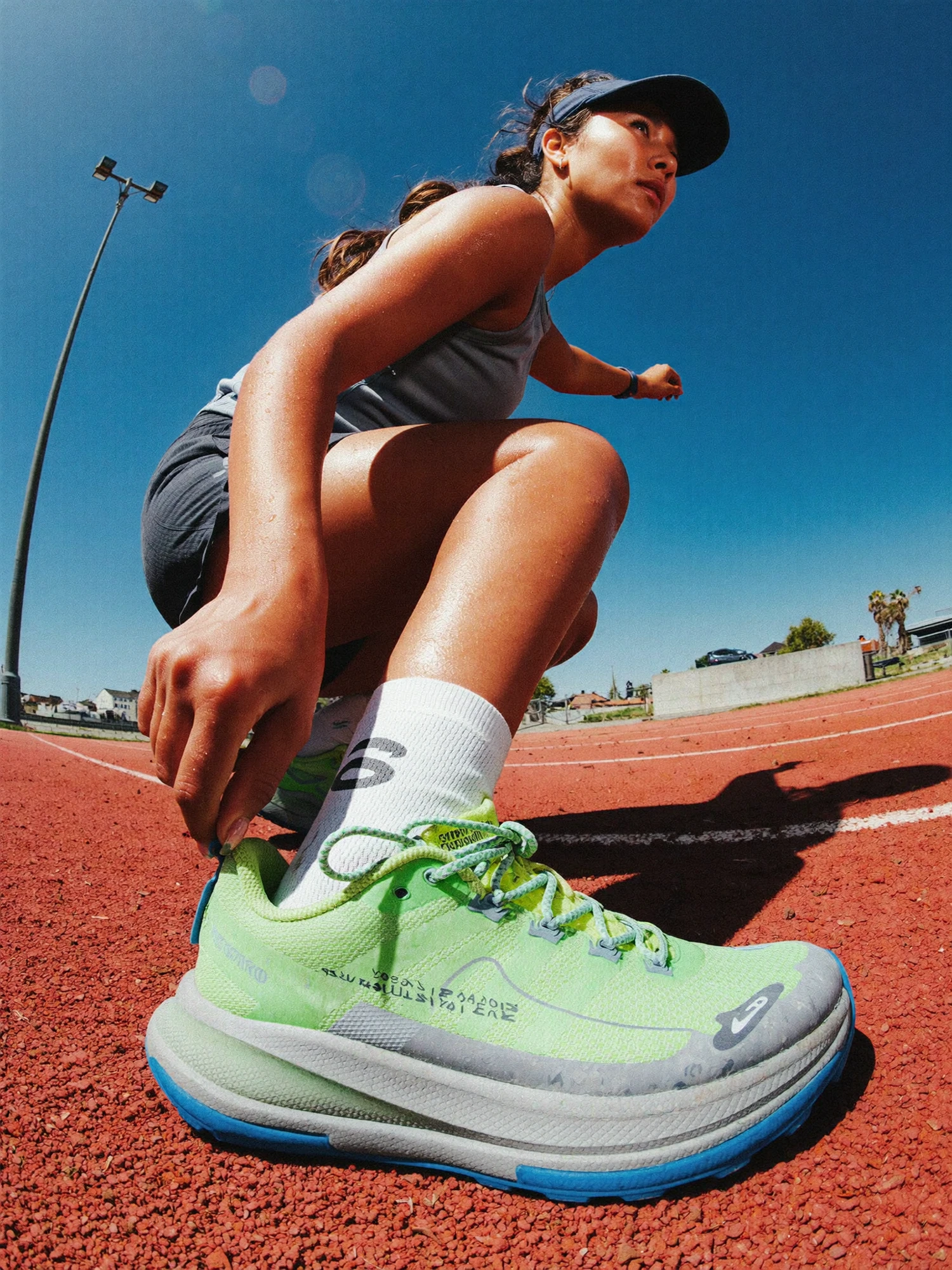
Runway specifically notes that implied movement in an input image can conflict with a request for stillness. Its guide also warns that existing image defects may become more noticeable in motion. Review the starting frame before spending iterations on a contradictory instruction. Source: Runway’s input-image and motion guidance.
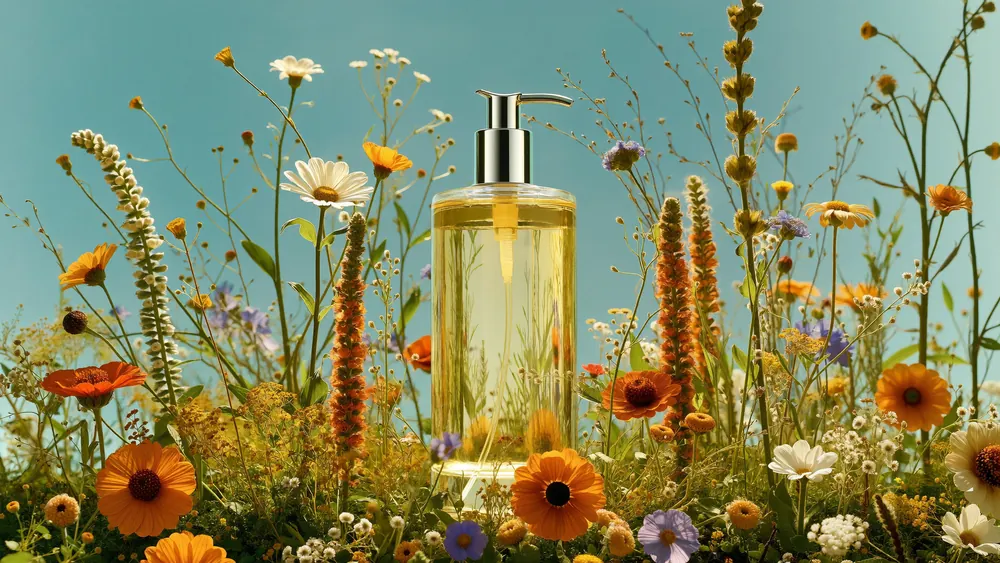
In the botanical reference below, inspect the bottle silhouette, pump, liquid boundary and flowers that cross its edges. Decide which flowers may move and which parts must remain stable. If the desired view needs a clearly different angle, commission or develop an appropriate approved reference rather than treating an unseen side as verified product information.
5. Build a three-shot sequence before generating clips.
The fictional sequence below allocates a different job to each shot. These are target edit lengths, not model-generation settings. A production team would choose available generation lengths separately and retain enough useful material around the intended cut points. The final timing should respond to the footage and the message.
| Planned edit | Shot purpose | Proposed movement | Acceptance condition |
|---|---|---|---|
| 0–4 seconds | Discover the product within its setting | Fixed wide composition; gentle flower movement | The bottle remains immediately identifiable and unobscured |
| 4–8 seconds | Bring attention to the bottle | One restrained push towards a closer view | Shape and pump stay consistent; movement has a clear finish |
| 8–12 seconds | Give the message a place to land | Separate stable composition with reserved copy space | The message is readable in the final placement |
Shot two does not need to be a continuation generated from shot one. Treat each shot as a designed piece of the edit. If using a previous output as a reference, check its product details again before carrying them into another generation. An unnoticed alteration should not become the new approved reference simply because it appeared at the end of a usable clip.
ILLUSTRATIVE PLANNING EXAMPLE
A proposed brief for shot two
Purpose: move attention from the surrounding flowers to the bottle. Camera: a gentle forward move at a consistent height, settling on a closer front view. Subject: bottle remains stationary. Environment: restrained flower movement. Finish: a stable composition the editor can hold.
An illustrative prompt could be: “The camera moves gently towards the stationary bottle, keeping a level front view. The flowers sway slightly. The movement eases into a settled close composition.” This has not been run or validated; it is a starting instruction to test.
Keep essential wording and brand marks under controlled design and finishing wherever appropriate. Our example reserves space for a message; it does not ask a video generator to invent final campaign typography. Confirm the actual composition before locking the text layout.
6. Review the usable shot, not only its strongest frame.
Watch the clip at normal speed, then inspect the opening, transition and ending. Does the camera follow the intended path? Does the subject remain recognisable? Does the final composition last long enough to serve its role? A striking first frame cannot compensate for a drifting product silhouette or an unusable ending.
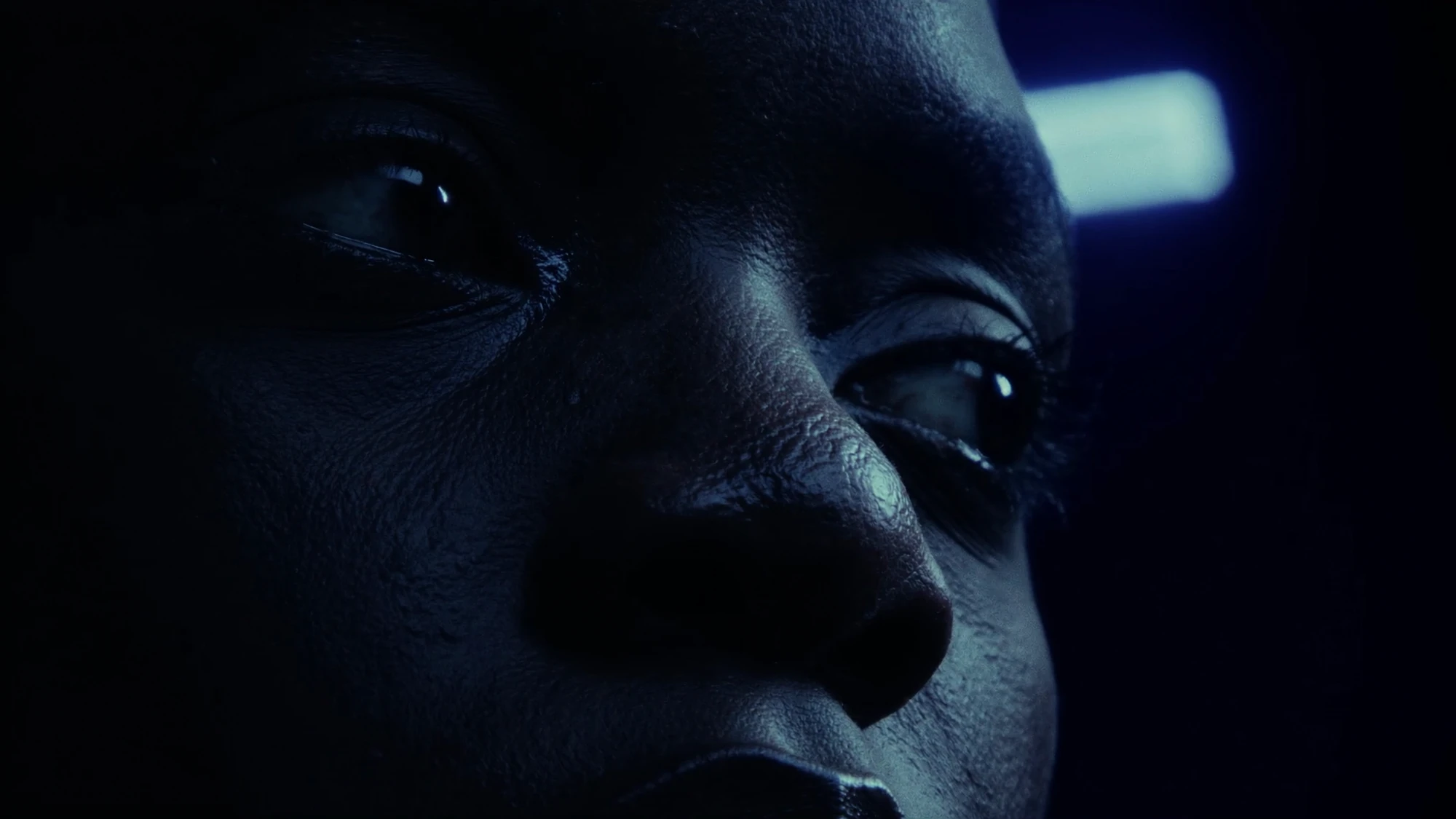
Use a concise revision note that names the problem and preserves what works. For the fictional bottle push, “keep the opening composition and flower movement; reduce the forward travel so the pump stays in frame” is more useful than “make it smoother”. If the camera path is wrong, revise that first. If product identity changes, the problem may require a different reference, a shorter usable segment, compositing or another production method.
Agree a stopping rule before repeated attempts. For example, after a small planned set of variations, compare them against the same acceptance conditions and decide whether to simplify the move or change the method. That is a budgeting decision for the particular production, not a universal limit on how many generations should work. See our guide to choosing AI, live action or 3D for that broader decision.
7. Keep direction and evidence with the final edit.
A useful handover includes the approved starting image, selected clip, camera brief, version name, intended cut points and unresolved limitations. Record the actual tool and settings when known. Separate a requested behaviour from what the chosen output demonstrably does, so another editor can understand why the clip was selected.
Looking beyond individual tools, Japan’s TYO describes its TOKYO STORIES project as a collection of AI short films with distinct creator perspectives. Its published announcement also stresses that high-quality AI video still involves ingenuity and production time. That is TYO’s own account, not a Nightwolf project or an independently measured efficiency result. Source: TYO’s TOKYO STORIES announcement.
Our editorial conclusion is that a camera move belongs inside a larger directorial plan. A move can be technically impressive and still fail the film if it reveals the wrong detail, consumes the time needed for a message or makes the next cut awkward. Judge it within the intended sequence.
- Give each shot one clear purpose and a planned finish.
- Separate camera, subject and environmental movement.
- Check whether the starting image supports the requested action.
- Review the full selected clip against the product reference.
- Keep workable cut points and leave room for the final message.
- Record what was actually made, including any finishing work.
Connect the motion plan with the sound design plan and delivery formats before final approval. Nightwolf’s AI film production and post-production capabilities bring those decisions into the same conversation.
Sources checked 6 October 2026. The three-shot plan and prompt are fictional planning examples, not an experiment or a commissioned campaign. Explore imagery is reused as separate visual reference material; no new imagery or video was generated for this article.
GIVE THE IDEA DIRECTION
Every movement.
A reason.
Share the story, the references and what your film needs to communicate.
Discuss your film ↗