
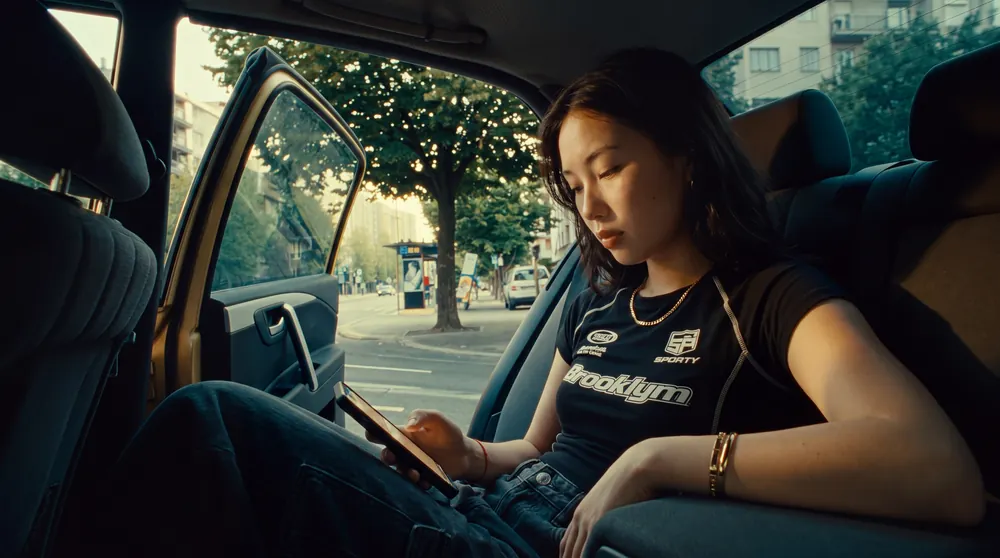
Give the still a specific job
A brand film has movement, sound and time to reveal its subject. Its poster frame has to work while playback is waiting to start. Begin by naming where the image will appear: a website player, a case-study card or a social video cover. Ask the person building that placement for its crop and any controls that sit over the picture.
For a product launch, the useful question might be whether a viewer can recognise the product before pressing play. For a director's portfolio, it might be whether the frame communicates the film's visual world. Choose that priority before judging a shortlist. It gives the client a concrete reason to favour one image.
Shortlist three moments from the approved edit
In a fictional skincare film, one shot shows a bottle surrounded by water, another shows the cap lifting, and a third settles on the pack against a quiet background. Pull a still from each at full export resolution. Look for a moment with readable shape, a clear focal point and enough room around the subject for the intended crop.
Inspect moving shots carefully. A beautiful camera move can contain individual frames with motion blur or an awkward half-revealed label. Step a few frames forwards and backwards before rejecting the whole shot. Use the approved grade and current product artwork so the poster and the film tell the same story.
If a separately composed cover is needed, brief and approve it as a distinct asset. Record what has changed from the film frame, including added type or retouching, and check that the image still represents what the viewer will see.
Review the crop with the player controls in place
Place the shortlisted frames in the actual website or a mock-up at the size a visitor will see. Add the play button, duration label and any title overlay. In the skincare example, a centrally placed play button might cover the product name. A slightly wider frame with the bottle to one side could solve that without adding another graphic.
Repeat the review on a narrow screen. Check whether the site crops the image to fill its container or displays the whole frame with space around it. A wide image that looks balanced on desktop may lose the product when the container becomes tall. Request a separate crop when the layout supports it, or choose a frame that survives both views.
Read the image at a glance. If a label becomes too small to decipher, judge the recognisability of the pack rather than assuming the viewer can read it. Any added headline needs its own small-screen review.
Include the poster in the delivery list
- Identity: Name the film and approved edit version. Record the source timecode when the image comes from the edit.
- Placement: Specify the intended player or card and any required alternate crops.
- Files: Supply the approved still and the web-ready export requested by the developer. Agree dimensions and compression using the actual page.
- Approval: Record who approved the product appearance, headline and crop, and keep the final selection beside the video master.
- Page check: Confirm the right image appears before playback and that changing the poster has not linked the card to another film.
For a video watch page, Google's video search guidance covers thumbnail accessibility and consistency. Give the developer the approved thumbnail URL and ask them to check it against the page's video metadata. A search appearance depends on Google's indexing requirements as well as the image choice.
Make the final decision in context
Show the client the shortlist inside the intended player, with the same crop and controls on every option. In the fictional skincare brief, compare the water frame, cap-lift frame and settled pack frame against the agreed goal of product recognition. Record the choice and its reason. This makes a later request for a different cover easier to assess.
After upload, open the page on desktop and mobile before pressing play. Check the poster, then play the film to confirm the transition feels intentional. A correct thumbnail file can still be attached to the wrong video or displayed with an unexpected crop.
Include this decision in the production brief. If the film needs several placements, use our campaign adaptation guide and delivery checklist to agree the full set of assets.