
Plan what the move will reveal before asking the image to move.
1. Define what the viewer should discover.
A shot gains depth when the viewer can understand how its parts occupy space. Foreground framing, a subject partly hidden by an object, a distant background and a deliberate focus choice can all contribute. Adding a camera move is only useful if it strengthens that reading. Before writing an AI video prompt, describe what becomes visible and why the reveal matters.
Occlusion simply means that one object blocks another from view. It creates a useful production question: what will the audience see when the blocking object moves, or when the camera looks past it? A finished still may contain no information about that hidden area. A moving version needs a convincing answer.
FICTIONAL SHOT BRIEF / PLANNING EXERCISE
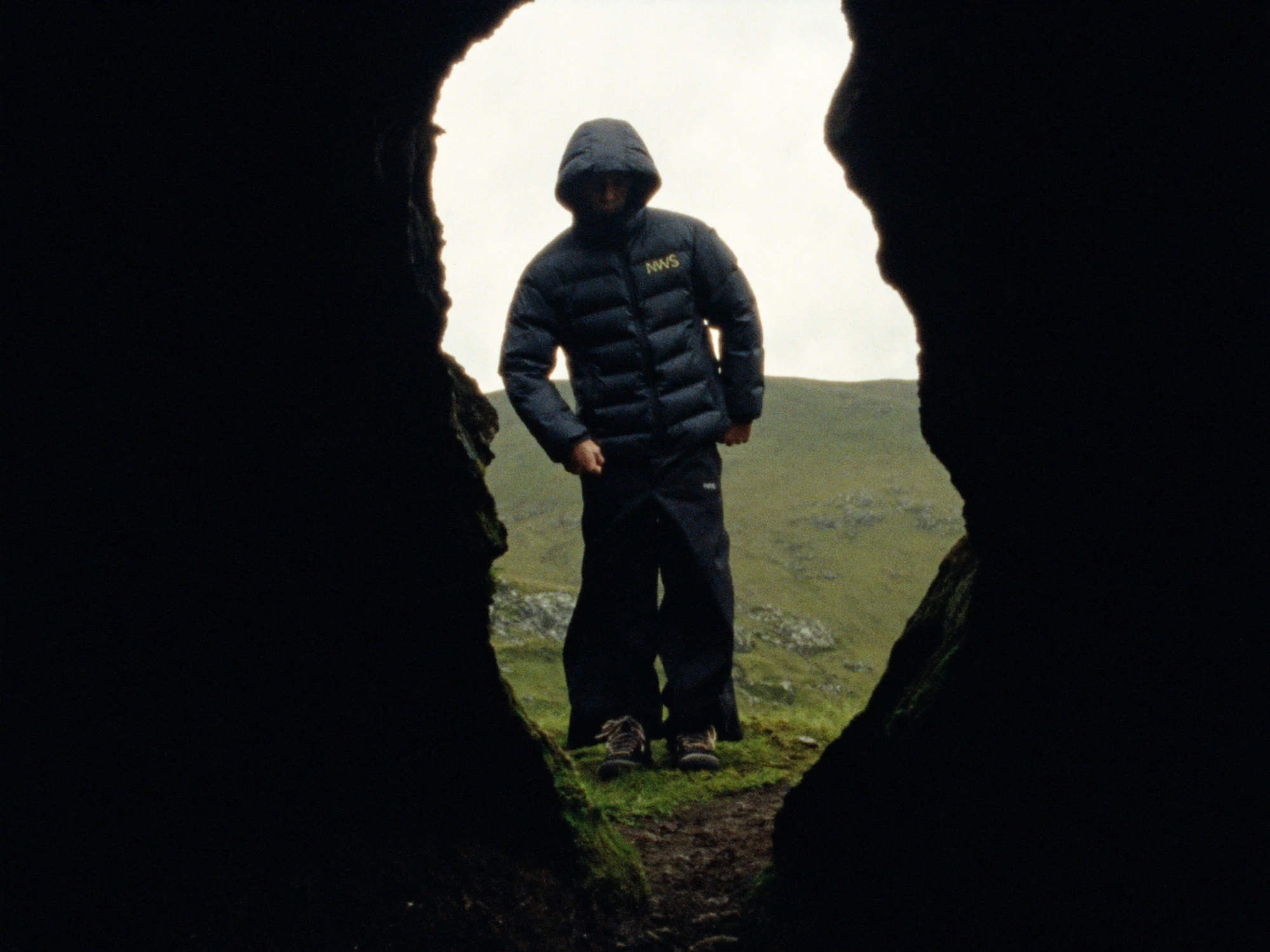
Imagine a five-second opening shot for an invented outdoor label called Northfold. A jacketed figure stands beyond a dark rock opening. The camera moves a short distance to the right, revealing the shoulder and a little more landscape. The figure stays still. The jacket silhouette must remain stable.
The purpose is to make the viewer feel that they are looking into a space. It is not a full orbit, a walking action or a product demonstration. No Northfold commission exists, and no generated or rendered test is claimed in this article.
That brief gives the shot a limited job. If the reveal only needs a small change in overlap, a large camera move creates extra work without necessarily improving the idea. Specify the first composition, the final composition and the part of the subject that must remain readable between them. Those three decisions are a better starting point than a generic request for cinematic depth.
2. Map three planes before choosing a workflow.
For the exercise, separate the image into foreground rock, the figure and the landscape behind them. This is a planning model, not a claim that the scene consists of three perfectly flat surfaces. Its purpose is to expose the dependencies. The rock overlaps the figure; the figure overlaps the landscape; the jacket is the feature the audience must recognise.
| Plane | Role in the frame | What movement reveals | Approval priority |
|---|---|---|---|
| Foreground rock | Frames the opening. | More of the shoulder and ground behind its edge. | Stable contour; no empty strip at the boundary. |
| Figure | Carries the jacket silhouette. | A slightly different overlap with the rock. | Identity, pose and garment shape remain consistent. |
| Landscape | Establishes distance. | Previously covered background around the figure. | Continuous texture and coherent perspective. |
Do not confuse depth with blur. Blurring the background can separate attention, but it does not create missing geometry or explain an impossible overlap. Likewise, a shadow can help ground an object while leaving its edge treatment unresolved. Review these cues together instead of treating any one of them as a realism switch.
Adobe’s After Effects documentation explains that 3D-enabled layers can be positioned along the depth axis and viewed through a composition camera. This supports a controlled layered approach, but placing a flat image in 3D space does not turn it into a fully modelled object. Source: Adobe’s 3D layer documentation.
4. Choose between a generated shot and a layered move.
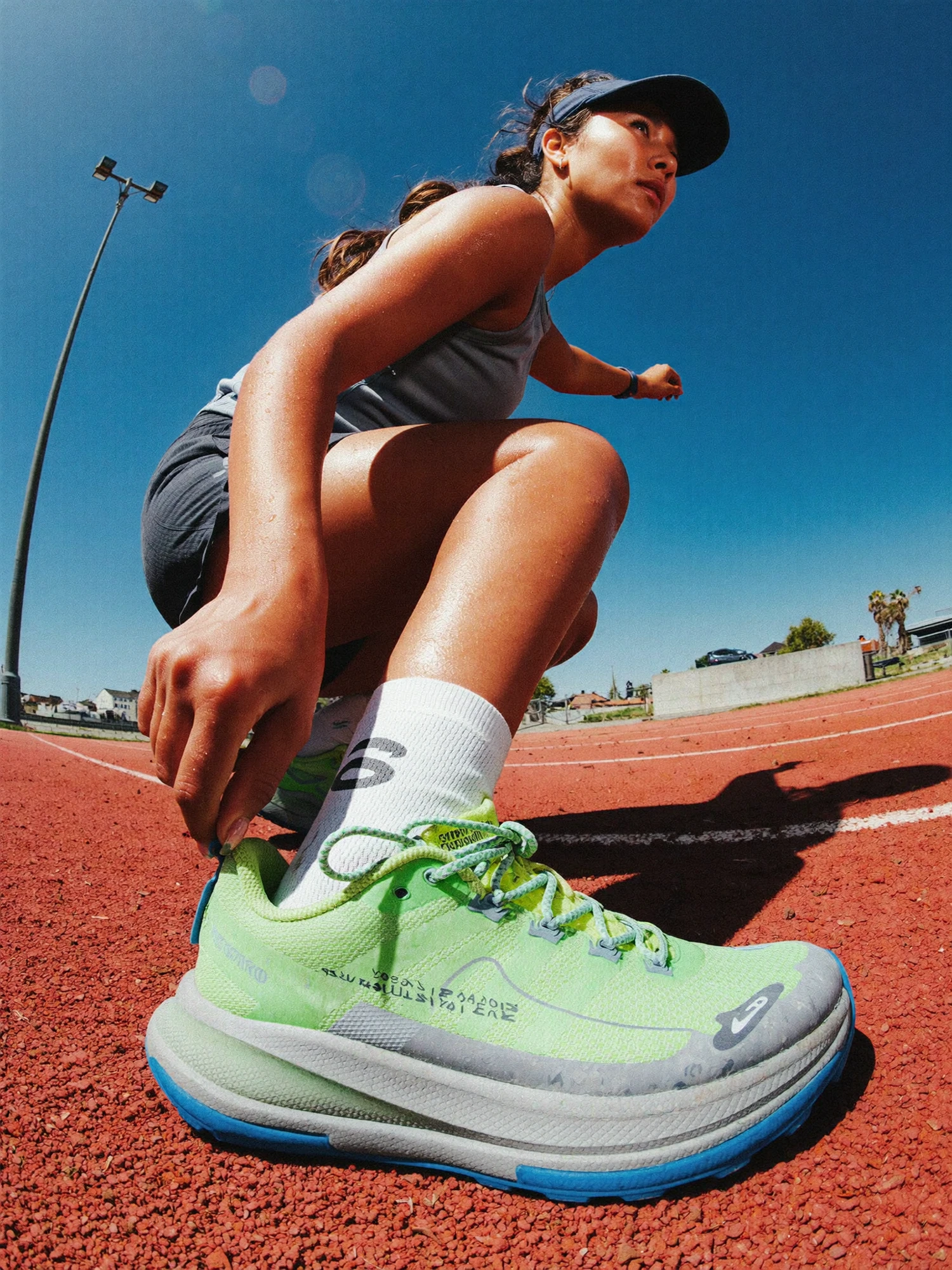
There are at least two plausible routes for this small reveal. An image-to-video workflow can interpret the still and generate movement across it. A layered composition can separate the prepared image elements and animate a camera past them. Neither choice is automatically superior; the useful question is which uncertainties the team needs to control.
For the generated route, begin with the limited motion brief: the figure remains still while the camera travels a short distance to the right. Evaluate whether the requested reveal happens and whether the jacket retains its shape. Runway’s Gen-4 prompting guide recommends starting simply and introducing new elements incrementally. That is vendor workflow guidance, not evidence that a particular hidden surface will be recovered accurately. Source: Runway’s Gen-4 prompting guide.
For the layered route, prepare the cutouts and hidden areas, establish their relative depth and animate the camera within the range the artwork supports. Adobe describes camera layers as a way to view a composition from different positions. The creative constraint remains the same: a large change in angle can expose the flatness of an image layer or demand a side of the subject that the source never showed. Source: Adobe’s camera layer documentation.
A full 3D route becomes relevant when the brief genuinely needs substantial travel around an object, controlled geometry or repeatable views. It also introduces modelling, materials and lighting work. Ask for that scope explicitly instead of assuming that a layered photograph or a generated clip will behave like a complete scene.
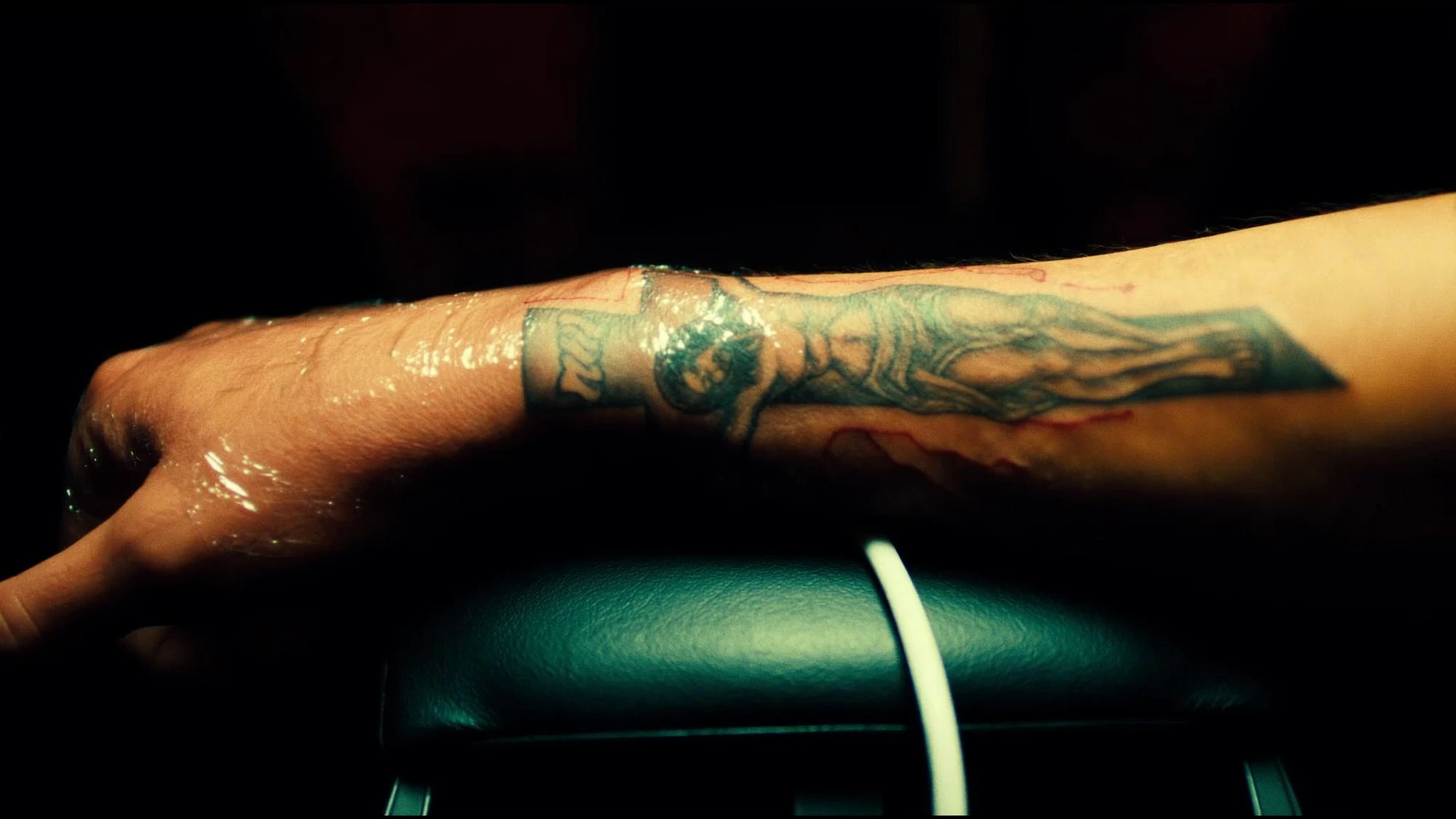
BUCK’s Illumina project description identifies a mixture of 2D, 2.5D and 3D design and animation. It is a useful published example of choosing different techniques within a production, rather than insisting on a single method for every shot. The page does not document our fictional reveal or establish an AI workflow for it. Source: BUCK’s Illumina project.
5. Give the five seconds a clear structure.
The fictional shot needs time for the viewer to read the opening before the reveal begins. A simple timing plan can reserve a short opening hold, a restrained move and a final hold. These timings are proposed editorial decisions, not measured results from an animation test.
| Interval | Proposed action | What to inspect |
|---|---|---|
| 0–1 seconds | Establish the figure through the rock opening. | The jacket is identifiable before movement. |
| 1–4 seconds | Travel a short distance to the right. | Changing overlaps reveal continuous, believable material. |
| 4–5 seconds | Settle on the final composition. | The reveal has a useful destination and a clean edit point. |
Do not assign movement to every element by default. If the figure turns, the camera travels and the foreground shifts independently, it becomes harder to determine why a result feels unstable. Establish the spatial move first. Add a separate action only when it contributes to the brief and can be reviewed clearly.
Keep the final composition in mind when preparing alternate ratios. A foreground edge that frames the figure in a wide version may cover the important feature in a vertical version. Check both endpoints and the path between them. A safe first and last frame do not prove that the subject remains readable throughout the move.
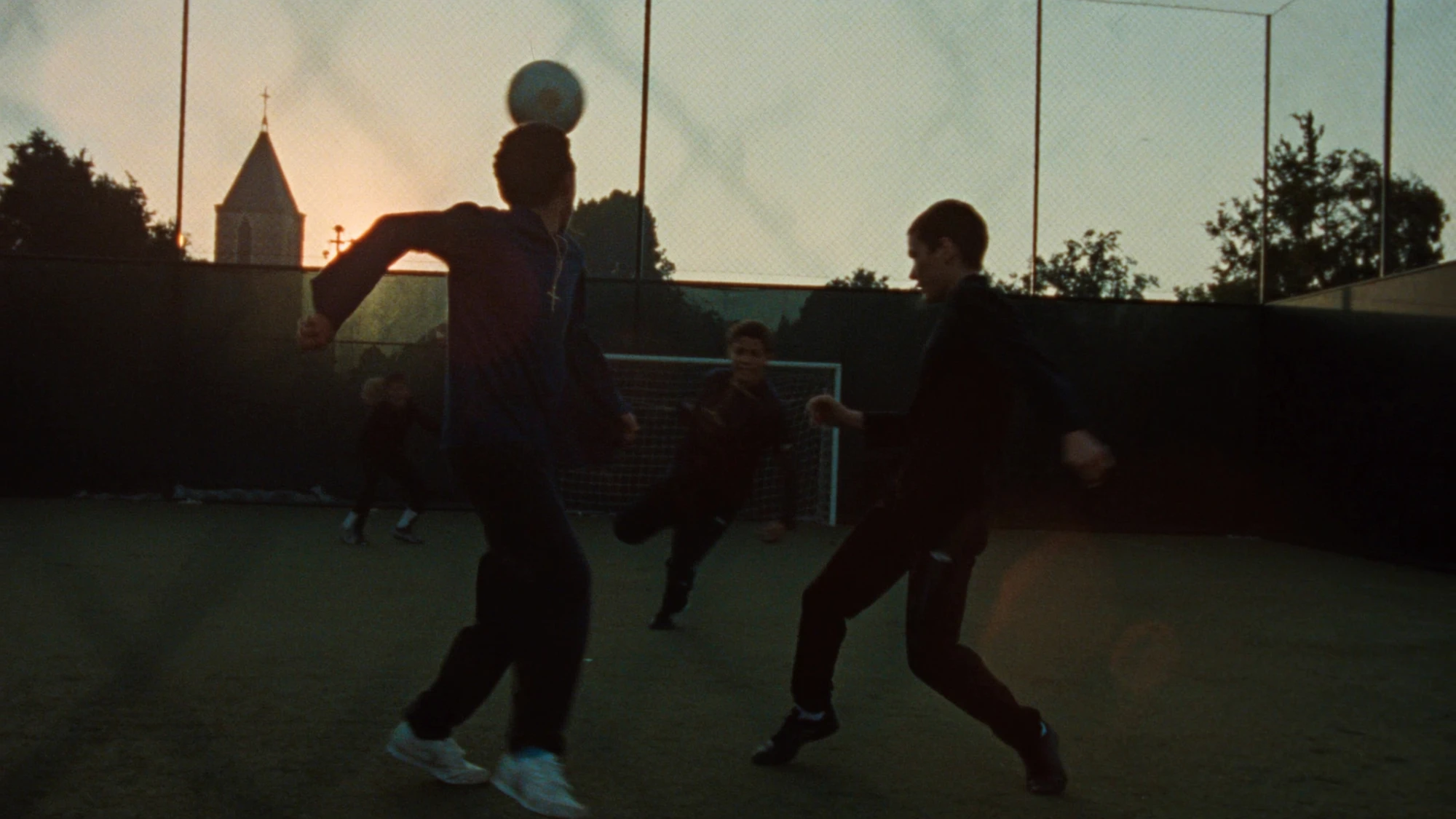
The camera movement guide covers the purpose of a move, while the animatic guide shows how to place a shot within a larger edit. Here, the narrower task is to ensure that the reveal has enough prepared visual information to work.
6. Review boundaries, then the whole shot.
Start at normal playback speed. Ask whether the viewer understands the space and whether the reveal directs attention to the intended feature. Then inspect the overlap boundaries more closely: foreground against jacket, jacket against ground and subject against the distant background. Record a timecode and the specific relationship that fails rather than describing the entire shot as “not realistic.”
Check whether a contour changes shape unexpectedly, whether background texture appears to attach itself to the subject, whether a previously hidden area has become a different object, or whether a cutout edge creates a visible halo. These are review questions, not claims that a particular model will necessarily produce each problem.
REVEAL REVIEW / ACCEPTANCE CHECKLIST
- The starting composition establishes the intended subject.
- The foreground, subject and background keep a readable spatial order.
- Newly exposed regions contain approved, continuous detail.
- The product or garment silhouette remains stable.
- Contact points and shadows remain coherent with the chosen movement.
- No layer edge or empty margin enters the frame.
- The final composition gives the edit a useful destination.
- Each required crop has been reviewed throughout the move.
When a review fails, change the smallest relevant variable. Reduce the camera travel, repair a specific uncovered area, revise the foreground edge or choose a source that better supports the reveal. Do not keep adding descriptive words to a prompt when the underlying problem is missing product information.
The value of this planning exercise is that it makes the work visible before production. A five-second shot can be simple to watch while still depending on careful preparation. Agreeing the hidden areas, spatial relationships and approval criteria lets a brand judge the result by the idea it serves rather than the novelty of the tool used to make it.
Sources checked 20 October 2026. Northfold is an imaginary label and the five-second reveal is an unrendered planning example. No production experiment, client commission or performance result is claimed. Vendor documentation describes capabilities; the BUCK reference identifies published production techniques. Explore images are independent visual references.
DELIVER WITH INTENTION
A clear reveal.
A convincing space.
Bring the image and the moment you want the audience to discover.
Discuss your project ↗