A strong still gives you a starting point. A clear shot intention tells you whether it is the right one.
1. Judge the image against the shot you need.
A campaign image is ready to animate when its composition, visible detail and implied action support a specific moving shot. Approval as a still is a useful starting point, but it does not establish that the same image can support every camera move or performance. Decide what must happen before deciding whether the image is suitable.
Write a one-sentence shot intention: “The subject remains seated while a light breeze moves the fabric.” That gives the producer something concrete to assess. “Make this cinematic” leaves open whether the camera moves, the person turns, the environment changes or all three happen together. Each introduces different questions about what the image actually shows.
Runway’s image-to-video guide describes the input image as the first frame, carrying composition, subject, lighting and style, while the text prompt describes motion. That is guidance for its workflow, not a guarantee that every visible feature will remain unchanged. Source: Runway’s image-to-video guidance.
For a buyer, the useful question is therefore not simply “Can this image move?” Ask “Can this image support the particular shot our edit needs?” A quiet atmospheric insert and an accurate product demonstration can require very different source evidence, even when they begin from the same photograph.
2. Separate essential detail from atmosphere.
List what the audience must recognise throughout the shot. It could be a face, a garment silhouette, a product feature, a printed mark or a particular relationship between two objects. Then list what can vary: leaves, distant light, background texture or incidental environmental movement.
Inspect the original source, not just a compressed preview in a presentation. Check important edges, hands, reflections, lettering and the places where objects overlap. A flaw that barely registers in a small still may become distracting when the surrounding image begins to move. Runway specifically warns that blurry hands or faces in an input can become more pronounced in generated video. This is vendor guidance, not a measured failure rate. Source: Runway’s input-image guidance.
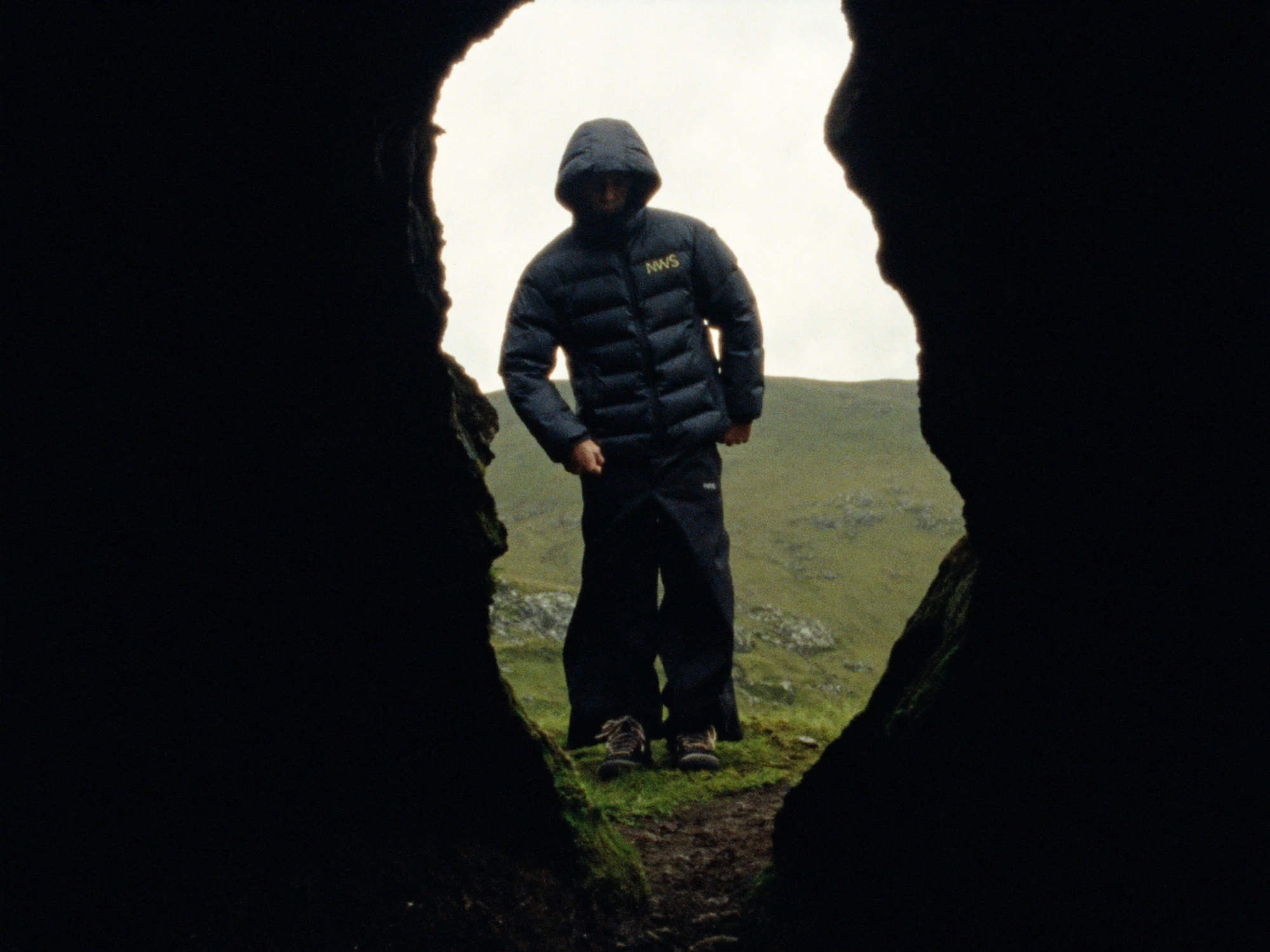
This does not mean every image must be clinically sharp. Grain, shallow focus and silhouette can be deliberate parts of the art direction. The distinction is between a chosen visual treatment and missing information that the intended shot depends on. Do not remove character from an image merely to satisfy a generic quality checklist.
If a printed logo must be exact, decide how it will be protected or rebuilt in finishing. If a face must remain recognisable, choose a source that reveals the necessary features. Where the image represents a real product, use approved product evidence alongside the creative reference; our product-photography guide explains that boundary.
4. Check whether the still already suggests movement.
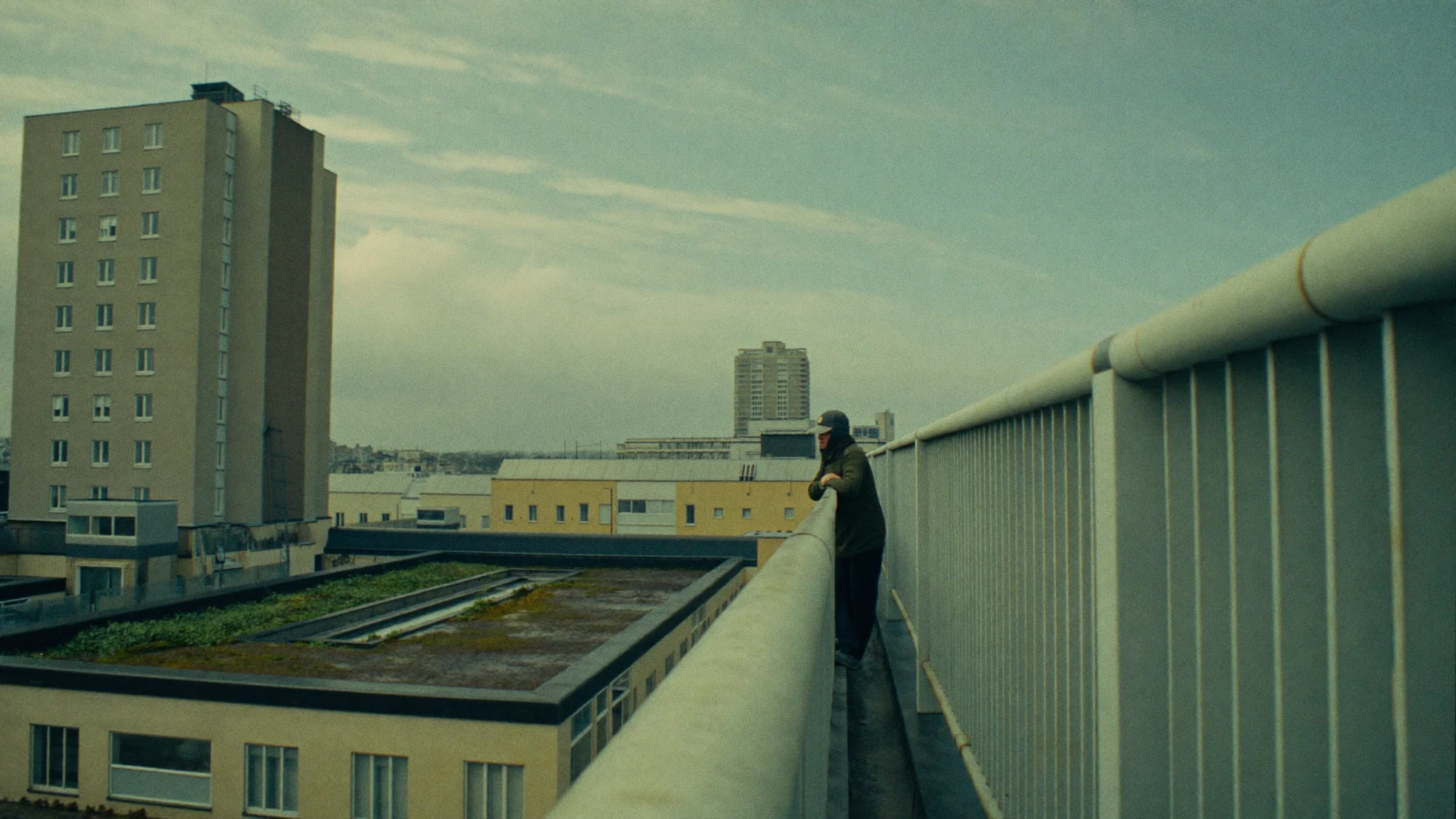
A pose, trail of dust, lifted foot or directional blur can suggest that something is already happening. Read those cues before writing the motion brief. If the intended shot asks for the opposite, consider whether the source should change first.
Runway illustrates this with a vehicle example: dust and motion blur conflict with a request for a parked car. Its guide presents a revised input with reduced motion cues. Treat that as a vendor-provided example of input and prompt alignment, not proof that a similar edit will solve every shot. Source: Runway’s motion-cue example.
For a practical review, describe what the still appears to be doing without looking at the written brief. Then compare that description with the requested movement. If the image reads as a sprint but the shot requires a relaxed stationary pose, the conflict should be discussed before a series of generations is commissioned.
A useful repair may be small: select a frame before the action begins, remove an accidental blur, or prepare a clearer resting pose. Alternatively, keep the image and change the shot intention. The choice depends on what matters most to the campaign. Our camera-direction guide covers how to describe the move once the source is suitable.
5. Choose animate, repair or replace.
The review should end with a decision that changes the next production step. Avoid sending a list of vague concerns back to the studio while still expecting the same deadline and unlimited attempts. Use a simple triage table to identify what is ready and what needs work.
| Finding | Next step | Approval needed |
|---|---|---|
| Clear subject, suitable framing and a bounded action | Animate a short first test. | Agree which details and movement will be reviewed. |
| Small visible defect in an otherwise suitable frame | Repair the still, then approve the repaired source. | Confirm that the repair preserves identity and design. |
| Action conflicts with the pose or blur | Change the source or revise the action. | Choose which better serves the film. |
| Required surface is not documented | Supply another view or select a different production method. | Confirm what may be interpreted and what must be exact. |
| Several independent actions compete in one frame | Simplify the shot or split the sequence. | Approve the revised story and edit. |
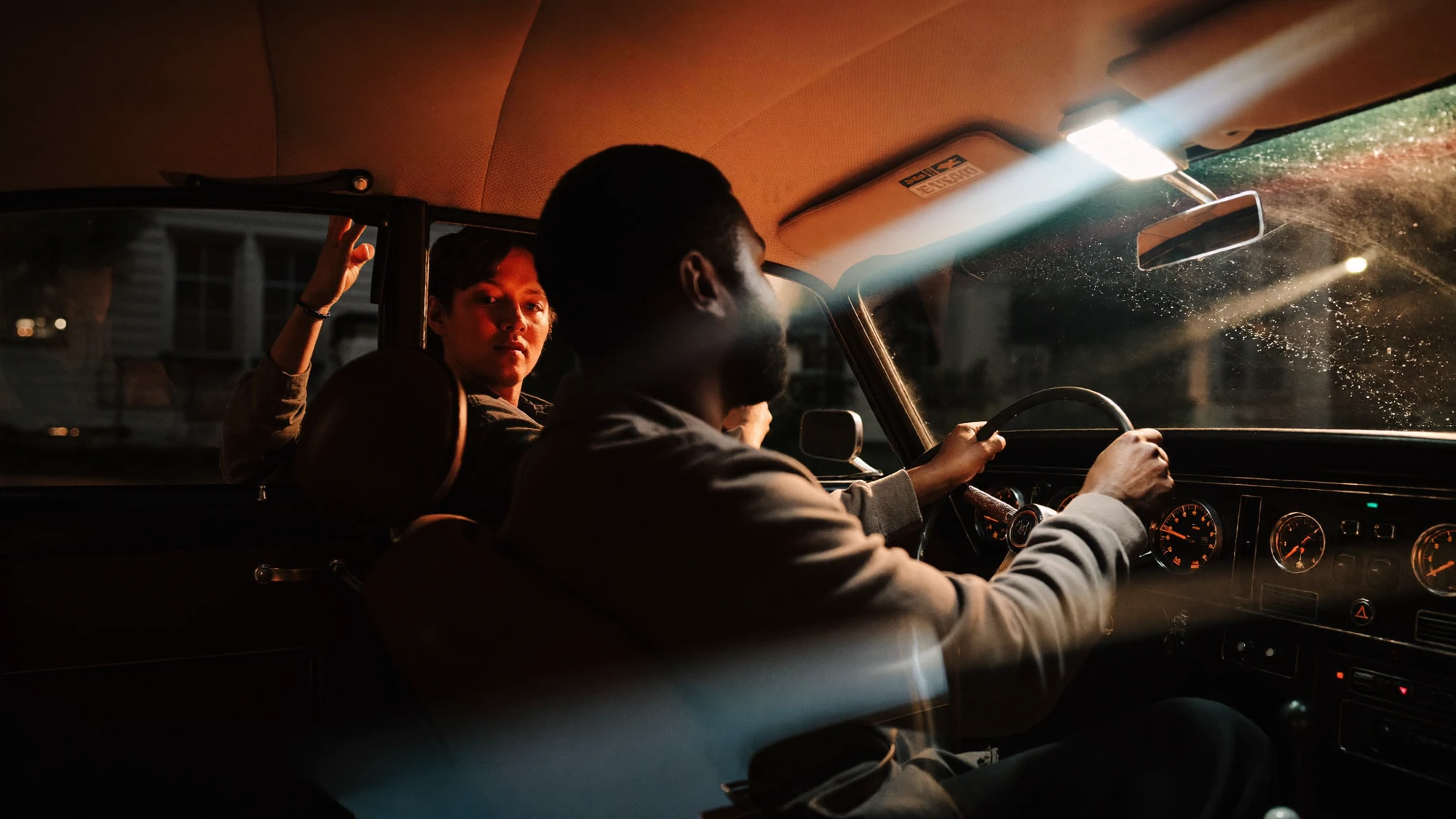
Consider a fictional outdoor-clothing brief: a seated person should remain still while a jacket sleeve moves slightly in the wind. If the selected image hides the sleeve behind a bag, the problem is not solved by describing the sleeve more enthusiastically. A different source or a revised action gives the team a clearer starting point. This is a planning example, not a Nightwolf project or a completed experiment.
Record the decision beside the file name. “Approved for one restrained fabric-motion test” is more useful than “Approved” because it states the scope of the approval. A later request for a full body turn then becomes a new assessment, rather than an assumed extension of the original sign-off.
6. Commission a test that answers a question.
The first test should resolve the largest uncertainty. If the concern is whether a sleeve retains its shape, assess that before adding a complex camera move. If the concern is the reveal behind a foreground object, focus on that reveal. Combining every difficult element makes an unsuccessful result harder to interpret.
Ask the producer to retain the source image, the actual tool and model used, the prompt and available settings, and the candidate output. Review the whole clip, not only its opening frame or a flattering thumbnail. Check the important details at normal viewing speed, then inspect suspicious moments more closely.
In a Runway-hosted interview, Fred & Farid founder Frédéric Raillard describes an earlier workflow moving from concept and image art direction into animation and editing. He also discusses adding movement to backgrounds in early experiments. This is a vendor-hosted account from another agency, not an independent performance study or evidence of Nightwolf’s workflow. The useful production distinction is that a strong still and a useful moving shot are separate creative decisions. Source: Runway’s Fred & Farid interview.
Set a review boundary before expanding the test: what would justify proceeding, what requires a source repair, and what would make another method more appropriate? Do not convert one promising result into a promise that every image in a campaign will behave identically. Different poses, materials and interactions deserve their own assessment.
BEFORE YOU ANIMATE / BUYER’S CHECKLIST
- Can the intended action be described in one sentence?
- Which details must remain recognisable or exact?
- Does the source reveal the information that action needs?
- Do pose, blur and other motion cues support the brief?
- Is there room in the frame for the intended movement?
- Which unknowns may be invented, and which need evidence?
- What single question should the first test answer?
- Who approves the source, the motion and the finished shot?
Bring those answers into the production scope. They help distinguish source preparation, generation, compositing and final review. The aim is a usable shot with a clear role in the film, supported by a source chosen for that role.
Sources checked 16 October 2026. Technical observations attributed to Runway describe its documentation and examples, not independent benchmarks. Explore images are separate references. No animations, comparative tests, client outcomes or first-hand tool use are claimed here.
START WITH THE RIGHT FRAME
A considered image.
A purposeful shot.
Bring the image and the movement you want it to support.
Discuss your project ↗