
Creative variation works best when the fixed details are clearly defined.
1. Decide which details must be exact.
A campaign image can have the right atmosphere and still be unusable because its logo, product name or headline is wrong. When briefing AI production, treat exact brand information as a separate approval requirement. An attractive approximation is not the same deliverable as an approved wordmark.
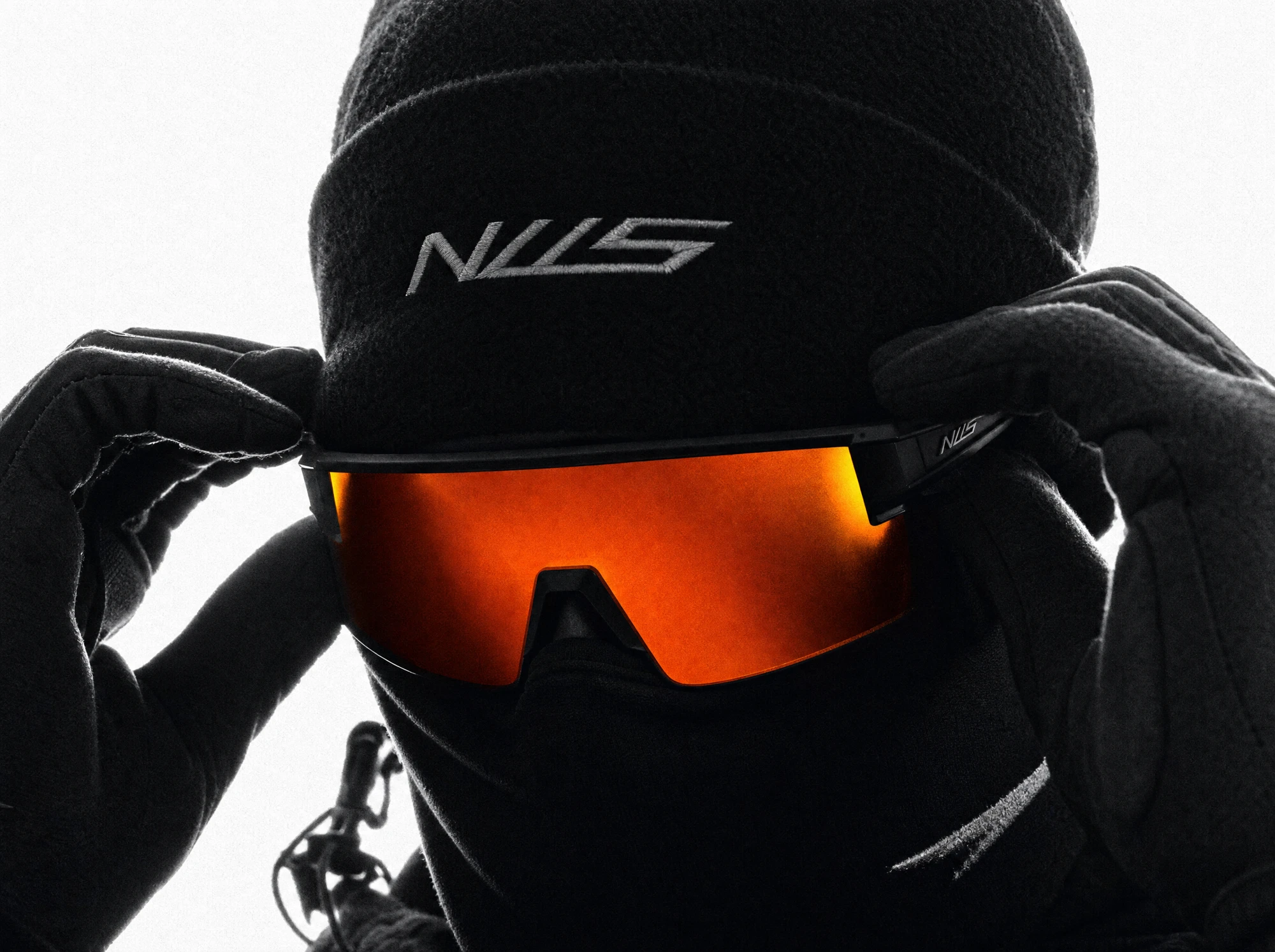
Start by identifying every place where text or a symbol matters. This includes the main logo, packaging, clothing embroidery, signage, interface labels, prices, disclaimers and the closing message. Some details are background texture; others carry the commercial meaning of the image. Give each one an explicit status before production begins.
For essential branding, supply the approved artwork and specify the version. A folder containing six similarly named logos does not establish which one belongs on the product. Include the permitted colour treatment, clear-space guidance and any restrictions on distortion or placement. For copy, provide an approved text document with punctuation, capitalisation and language variants intact.
Generation can be part of exploring the composition, but the acceptance test should be the supplied reference rather than whether the result looks plausible. Do not make exact lettering dependent on repeated attempts when it can be placed and checked as controlled artwork. If the whole product must be faithful, review when to keep real product photography before choosing the production method.
| Element | Source of truth | Approval question |
|---|---|---|
| Logo or symbol | Approved master artwork and usage guidance. | Is this the correct version, shape and treatment? |
| Headline or offer | Approved copy and layout. | Does every character match, and can it be read? |
| Product label | Current packaging artwork or verified photography. | Are the visible details accurate for this product? |
| Background signage | Art-direction decision. | Should it be legible, removed or deliberately generic? |
2. Keep the scene and exact artwork separately controllable.
A useful production structure separates the image beneath the branding, the brand artwork itself and the effects that make them belong together. That does not mean the finished image should look layered. It means a spelling correction or logo update should not require rebuilding an otherwise approved scene.
Screen-space headlines can usually be laid out as typography over the finished image. Branding that exists inside the scene needs more consideration: perspective, curvature, folds, reflections, shadows and objects passing in front of it. Decide which kind of placement you are buying. A flat title and an embroidered mark on moving fabric are different scopes.
Ask for an editable master appropriate to the agreed workflow. Where linked artwork is used, understand how updates are handled. Adobe documents that Photoshop can update a linked Smart Object when its source changes while the document is open; when the document was closed, modified content may need updating after reopening. Nested links are not automatically checked through the parent link. Treat linking as a useful production mechanism with a review step, not a guarantee that every exported file stays current. Source: Adobe, updating linked Smart Objects.
Keep an approved reference next to the working composite during review. Compare geometry and letter spacing before judging the overall mood. A beautifully integrated but incorrect mark is still incorrect. Then inspect the composite in context so a geometrically accurate mark does not look pasted onto the scene.
3. Match the surface without redesigning the mark.
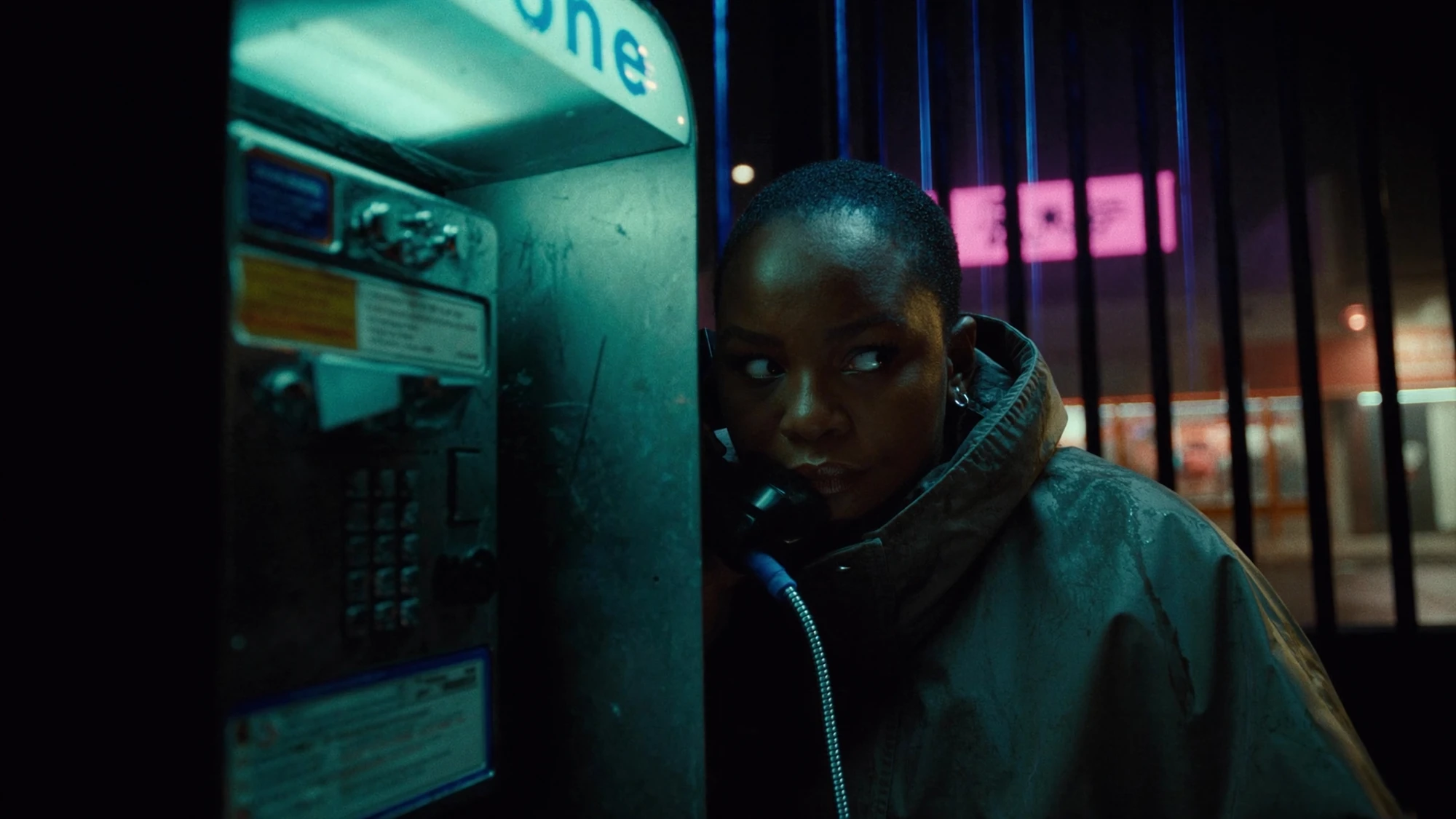
Placing artwork in a scene requires two kinds of fidelity: fidelity to the approved identity and fidelity to the pictured surface. The first controls the underlying design. The second explains how that design appears from a particular viewpoint. Perspective can make a real rectangle appear tapered, for example, without changing the design printed on it.
Brief the physical treatment explicitly. Is the logo printed, stitched, embossed, projected or displayed on a screen? Each suggests different edges and interactions with light. Avoid adding a fashionable texture merely because it makes the composite look more complicated. The treatment should follow the intended object and brand guidance.
For a still, inspect the contact between the artwork and the material. Does the mark follow a fold? Does a highlight cross it consistently? Is the sharpness compatible with the rest of that surface? Are any foreground objects correctly covering it? If the surface itself is malformed, adding an accurate logo will not repair the product geometry.
For moving footage, add time to those questions. Check whether the mark stays attached as the object turns, whether it changes shape unexpectedly and whether its visibility follows the scene. Review the entire shot, including entry and exit frames, rather than approving only a clean central frame. Where the surface or motion makes a convincing placement impractical, change the shot, retain verified source footage or consider a more controlled rendering approach.
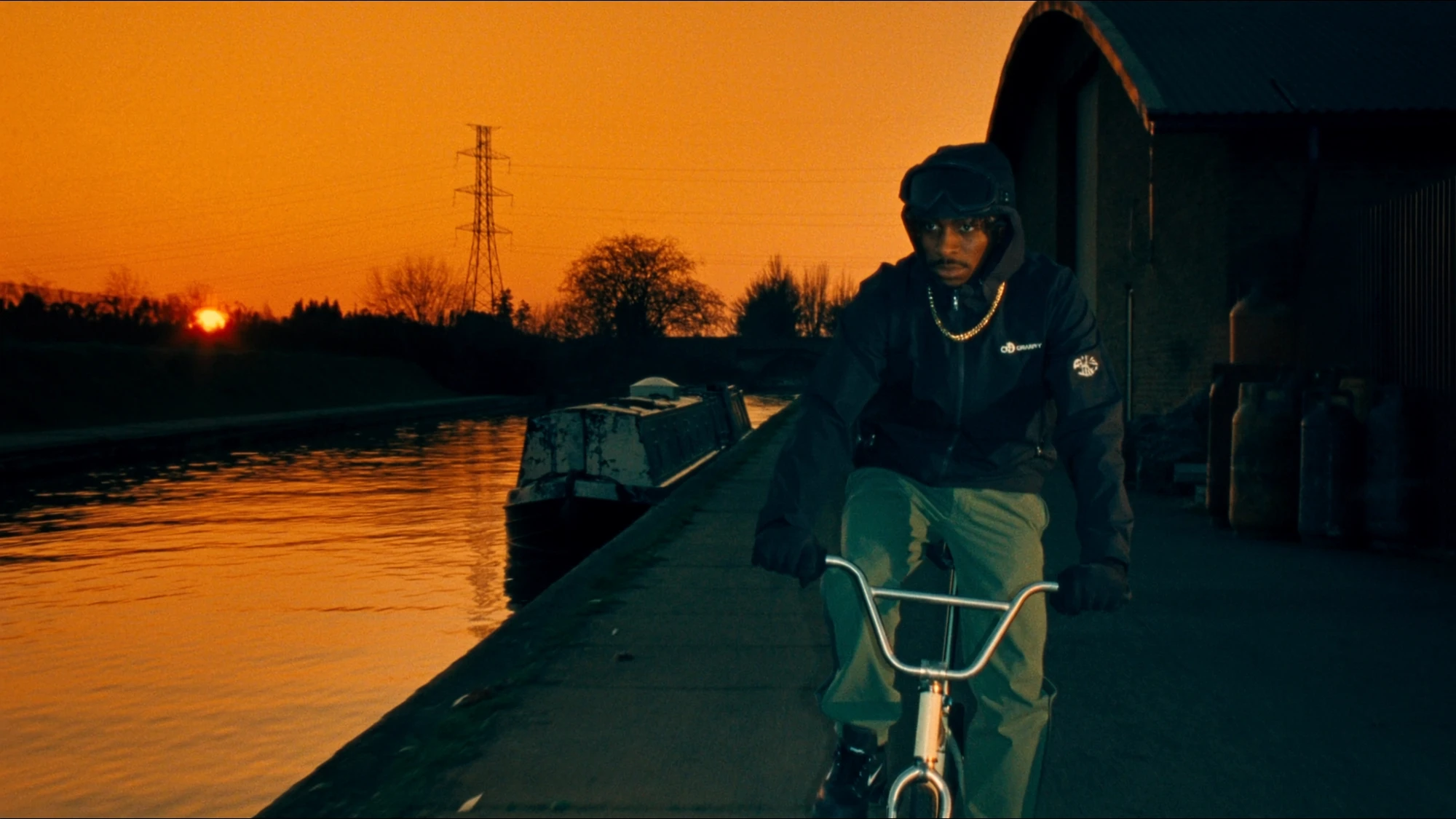
Agree these demands before quoting. One fixed pack front, a rotating curved bottle and a loose garment do not require identical finishing. The production quote guide explains how to make deliverables and revision responsibilities explicit.
4. Write a brief that separates creative freedom from fixed copy.
FICTIONAL WORKED BRIEF / NOT A COMPLETED TEST
Imagine an invented outdoor accessories brand called Mossline commissioning a campaign still. The concept is a small travel pouch in a rain-lit city scene, with a headline and an end-use crop for mobile. No Mossline product, client commission or finished campaign is claimed here.
A weak brief says “make the logo look right.” A more usable brief defines what is fixed, who supplies it and where creative variation is welcome. The team can then explore lighting and composition without reopening the spelling of the brand or the geometry of the product.
| Part | Fixed requirement | Creative room |
|---|---|---|
| Pouch | Use approved product reference and proportions. | Choose a setting that supports the travel idea. |
| Brand mark | Use the supplied Mossline master, with its approved colour treatment. | Choose the camera angle within the visibility requirement. |
| Headline | Exact fictional copy: “Carry the day.” | Explore layout using the approved type system. |
| Atmosphere | Keep the product and message readable. | Explore reflections, lighting and background depth. |
| Delivery | Review the agreed wide and vertical crops separately. | Reposition screen-space copy for each format. |
The review should have two passes. First, the brand owner checks artwork and wording against the supplied files. Second, the creative reviewer checks whether the image, surface treatment and layout work together. Either pass can reveal a change, but a request to move the headline should not silently become permission to rewrite it.
Keep a small change record: asset version, copy version, approved layout and outstanding correction. If the logo changes late, identify every affected output rather than updating the hero still and assuming the smaller crops followed. This example proposes a workflow; it does not report measured time savings or a completed production experiment.
5. Let the image vary while the identity stays coherent.
Accurate branding does not require every visual to have the same layout. It requires a clear distinction between stable identity decisions and expressive campaign choices. Type family, hierarchy, spacing rules and approved mark treatments can form a recognisable system while photographs, generated scenes and motion change around them.
BUCK’s account of its Comfy brand refresh offers a relevant studio example. The studio describes a visual language drawn from node connections and the existing logomark, alongside a typeface selected for its range of widths and weights. This is BUCK’s published description of its own work, not evidence of Nightwolf involvement or campaign performance. The useful briefing principle is to specify a flexible system instead of asking each image to reinvent the identity. Source: BUCK, Comfy brand refresh.
For campaign copy, retain editable text through layout review where practical. Check line breaks intentionally: a shorter crop may need a different arrangement rather than a smaller font. Keep headline, supporting copy and action distinct enough that the intended reading order survives at the final size.
Review the actual characters as well as the visual rhythm. Look for substitutions, missing punctuation, inconsistent capitalisation and incorrect product names. If localisation is planned, include a language reviewer and allow layout space for the translated copy. The localisation checklist covers those additional review decisions.
6. Approve the delivered file, not just the working view.
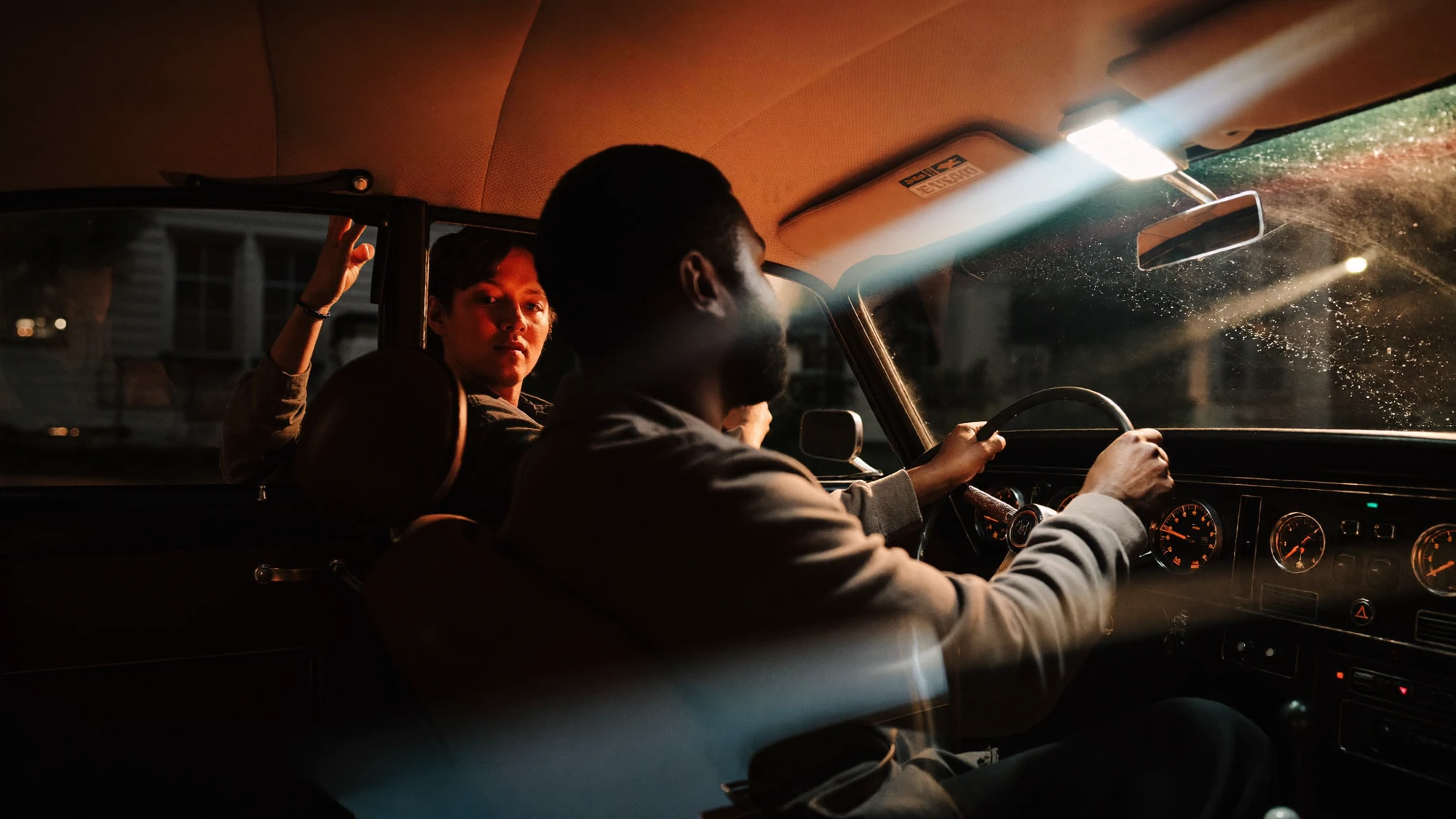
The final review needs both a close inspection and an ordinary viewing check. Zooming in helps identify malformed edges or accidental characters. Viewing the exported asset at its expected size reveals whether the intended message remains readable. Passing one does not establish that the other is sound.
FINAL ARTWORK CHECKLIST
- Compare every required logo against the approved master.
- Read all visible campaign copy against the approved text, including punctuation.
- Check the mark’s shape, spacing, colour treatment and permitted clear space.
- Inspect surface integration, occlusion, sharpness and reflections.
- Review each crop at its intended display size.
- For motion, check the full shot and the transition into the next frame or card.
- Open the exported files and confirm that the approved revision is the one delivered.
- Record the artwork and copy versions alongside the final approval.
A file can be technically large enough and still have a headline that is too small for its intended placement. Likewise, a sharp logo can sit on an implausible surface. Keep the acceptance criteria tied to the job: accurate identity, convincing integration and usable communication.
For handover, agree whether the client receives flattened delivery assets, editable layouts, linked artwork or a combination. Confirm the font and artwork permissions needed for the intended use and editable handover. Include the relevant source files or a clear reference to their controlled location so a later revision does not depend on guessing which master was used.
The central decision is simple: give generative production creative room where variation helps, and give exact information a controlled path into the final asset. That makes the brief easier to assess and the approval more specific. If a near-finished image needs a local correction, the retouching versus regeneration guide can help define the next step.
Sources checked 26 October 2026. Mossline is fictional; its brief is an illustrative proposal, not a client result or executed test. Explore images are independent visual references. No artwork correction or image generation was performed for this article. Software behaviour and external studio descriptions are attributed to their primary sources.
DELIVER WITH INTENTION
A distinct image.
An accurate identity.
Bring the creative ambition and the brand details that must stay exact.
Discuss your project ↗