Choose the smallest reliable change that solves the brief.
1. Identify the change before choosing the tool.
An AI campaign image can be almost right in several different ways. A distracting mark on a wall is a different problem from an incorrect product silhouette. An image that needs a warmer finish is different again from one whose camera angle makes the product hard to recognise. Calling all of these requests “another version” hides the decision that matters.
Start by separating the approved image from the requested change. List what already works: expression, framing, garment, product shape, lighting direction or the space reserved for copy. Then describe the specific difference needed. The more valuable those approved relationships are, the more carefully a new generation should be considered.
As an editorial starting point, prefer a controlled local edit when the underlying scene is sound and the requested change can be isolated. Consider a new image when the scene itself needs to change: viewpoint, pose, object arrangement or the central visual idea. This is a decision framework, not a guarantee that a small-looking fix will be easy.
A hand touching a transparent object illustrates the limit. The problem may occupy a small part of the frame, but the repair can involve anatomy, reflected light, transparency and contact shadows. Size alone does not determine complexity. Ask what other visual relationships depend on the area being changed.
WRITE TWO SENTENCES
“Change this: remove the bright mark on the empty wall.”
“Preserve this: the person’s expression, garment texture, wall gradient and approved crop.”
These sentences turn a vague request into a task whose result can be compared with the original.
This article concerns choosing a repair method after an image has been selected. For the earlier approval decision, use the campaign image approval guide. For organising stakeholder comments, see the revision brief guide.
2. Choose the method by what must stay exact.
Retouching, compositing and local generative editing can sit in the same production file. They are not exclusive philosophies. The useful distinction is how much interpretation the task allows. Replacing an approved logo with supplied artwork requires precision. Inventing texture for an otherwise empty background allows more interpretation, provided it fits the scene.
| Requested change | Starting approach | Check before approval |
|---|---|---|
| Small distraction on a simple surface. | Local retouch or a limited generative repair. | Repeated texture, edges and lighting continuity. |
| Approved logo or label must be exact. | Composite the supplied artwork or product asset. | Spelling, proportions, perspective and legibility. |
| Colour or contrast needs refinement. | Masked adjustment with the original preserved. | Skin, product colour and consistency across the set. |
| Background needs a new detail. | Local generation or a separate composited element. | Scale, shadows, reflections and unwanted changes nearby. |
| Viewpoint or pose is fundamentally wrong. | Rebuild or regenerate from a revised brief. | Reapprove the whole composition. |
| Real product geometry is inaccurate. | Use a correct source asset or reconsider the production method. | Compare against the approved product reference. |
Adobe documents Generative Fill as a way to alter selected image areas non-destructively. That supports an editable workflow; it does not establish that a generated patch is factually accurate or visually acceptable. Selection, output review and integration still matter. Source: Adobe’s Generative Fill documentation.
For a colour-only request, avoid changing the subject’s construction unnecessarily. Adobe’s adjustment-layer guidance describes editable colour and tonal adjustments. A masked adjustment can therefore be a sensible starting point when the pixels already contain the right shape and detail. The creative judgement is whether that adjustment actually solves the brief. Source: Adobe’s adjustment and fill layer guidance.
3. Define the areas that must not drift.
Before editing, keep a clearly named copy of the approved source. Mark the repair area and separately record protected features. For an apparel image, those might include the seam pattern, fastening and fit. For a portrait, they might include expression and identity. For a product, they might include the outline, label and material finish.
Do not rely on a comment such as “everything else the same” when the image contains important details. Identify the details explicitly and supply the reference used to judge them. A reviewer cannot reliably approve a label if nobody has supplied its correct artwork.
Keep edits in a structure that allows the team to compare and revise them. A separate layer, mask or retained source file makes it easier to inspect a change and undo it without rebuilding unrelated work. The exact file structure depends on the application and the production agreement. Agree what will be handed over before the final export.
Industry examples also show why image finishing should be treated as integration work. In Recom Farmhouse’s account of British Airways’ Windows campaign, the studio describes combining photographed talent with CG fuselages and refining lighting, reflections and individual crops. That is the studio’s own project account, not a Nightwolf project or an AI benchmark. Our takeaway is that an apparently simple final image can depend on several coordinated elements. Source: Recom Farmhouse’s making-of account.
Apply that principle to a small revision: if an object moves, inspect its shadow and reflection; if a background becomes brighter, inspect the subject’s edge; if a surface changes material, inspect the highlights. A repair is complete when it belongs in the image, not merely when the unwanted feature has disappeared.
4. Work through a realistic revision brief.
FICTIONAL BRIEF / PLANNING EXAMPLE
Imagine a campaign image for an invented eyewear label called Vela North. The selected image shows a person wearing clear glasses against a blue wall. The client approves the expression and framing, but asks for a wall distraction to be removed, an exact logo to be added and the glasses to look more front-facing.
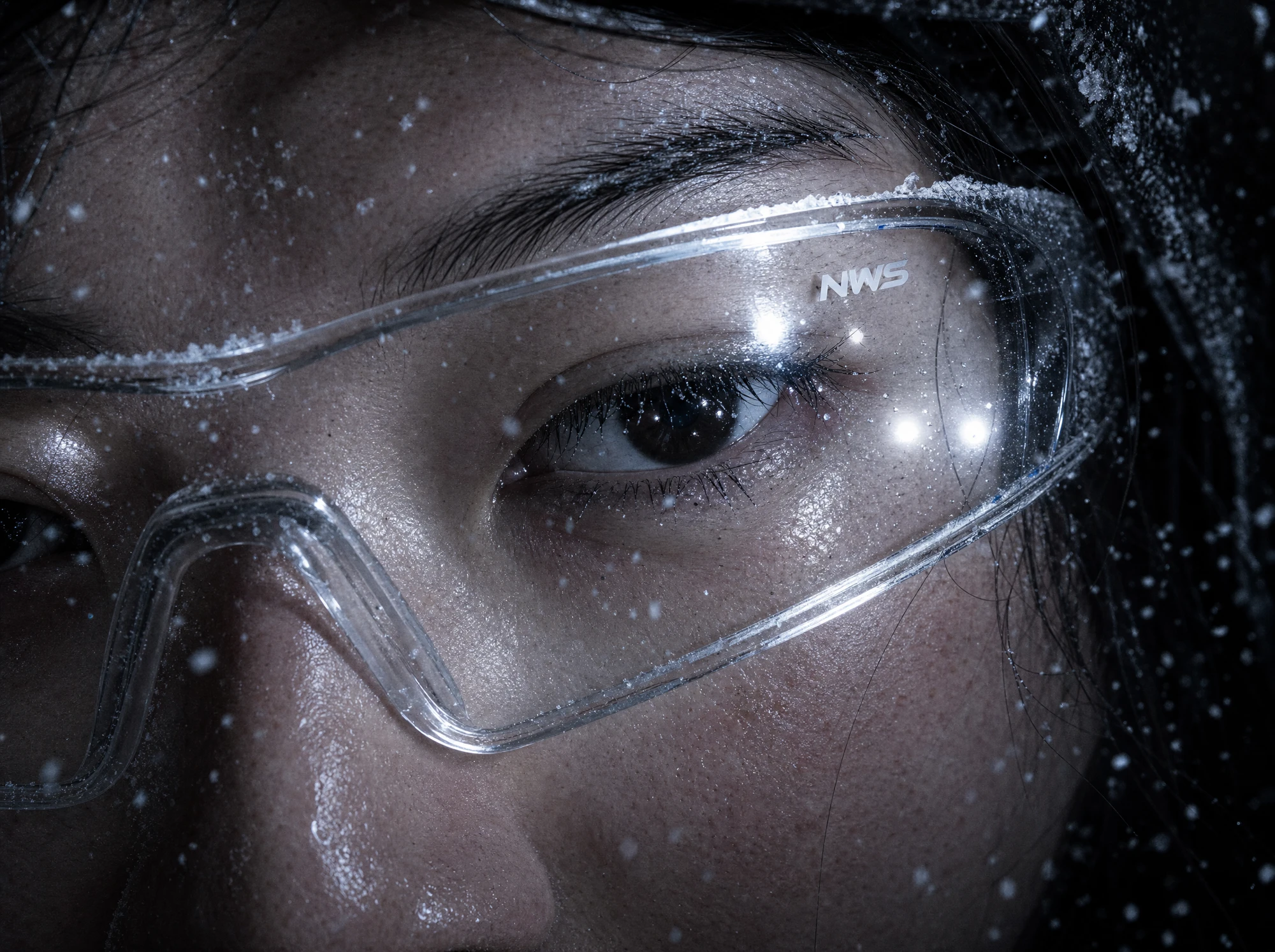
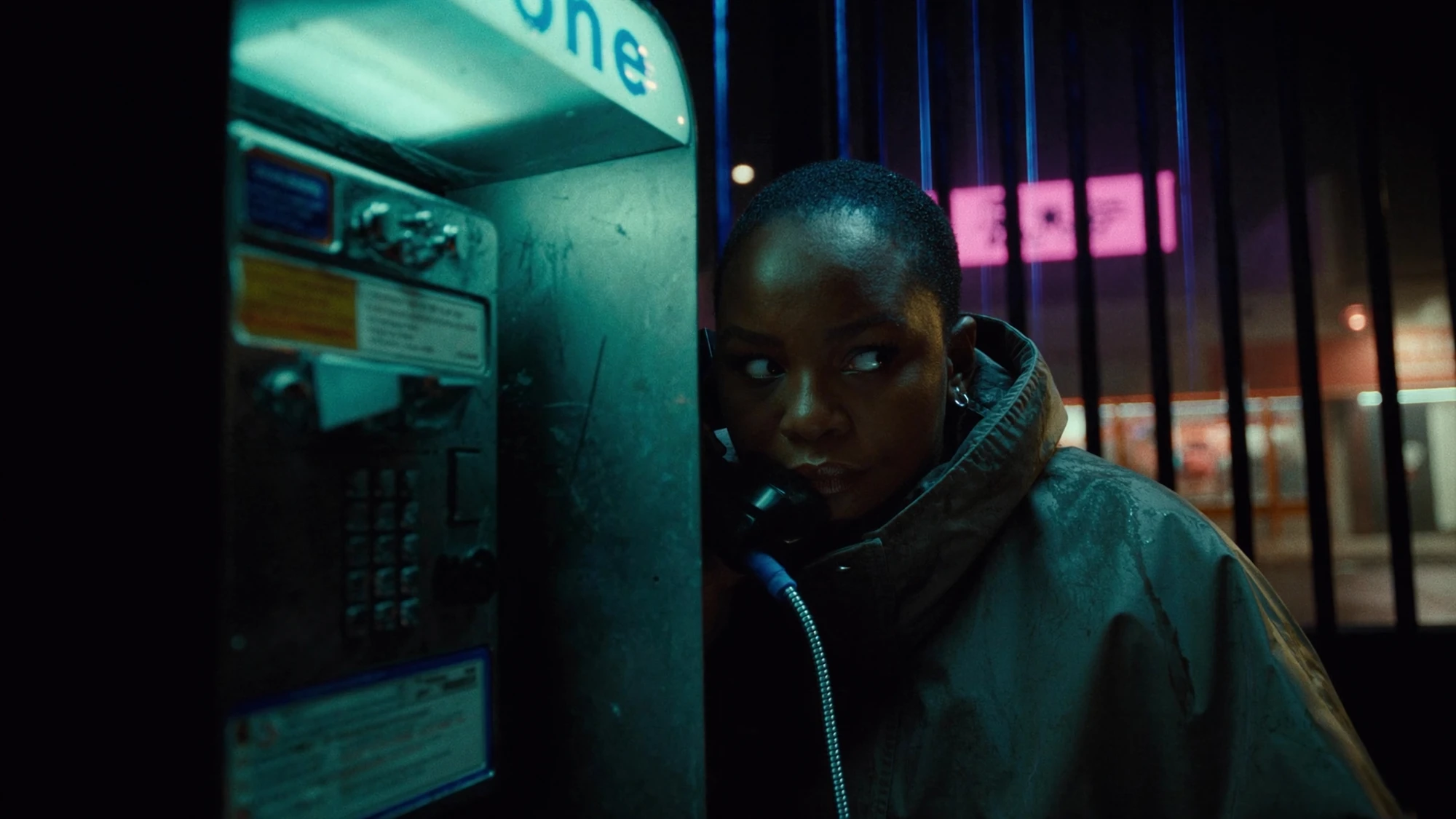
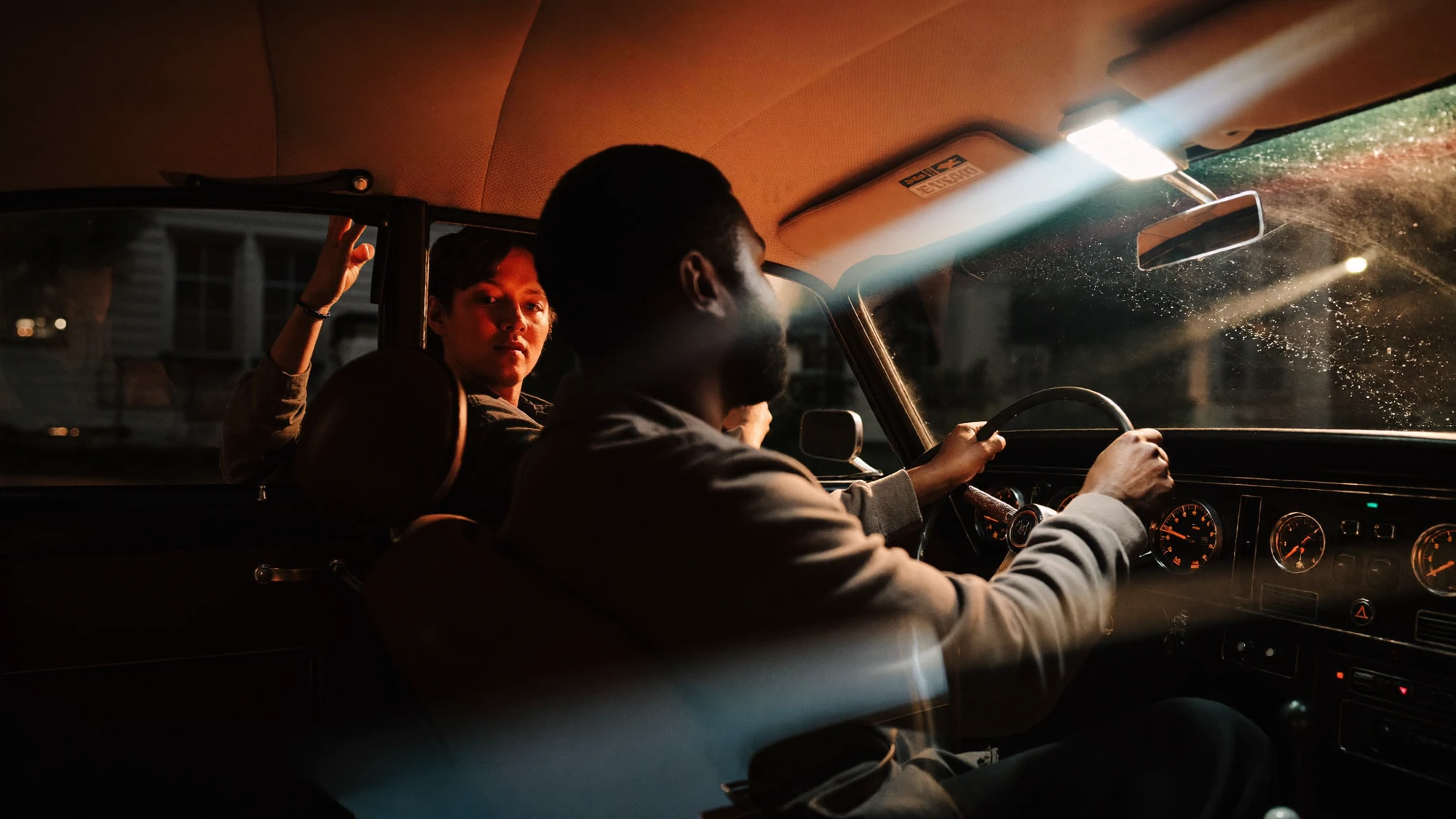
No Vela North commission or image test exists. This example demonstrates how to split the request; the Explore images are unrelated references.
The wall distraction is the first candidate for local repair. Define the affected area and check the wall’s gradient and texture after editing. Keep the face and glasses outside the intended change. If the patch is obvious at the delivery size, revise the repair rather than immediately replacing the entire image.
The logo is a separate compositing task. Ask for the approved artwork and placement reference. Check its size, curvature and visibility against the glasses. A convincing-looking invented mark would fail this requirement even if it looked attractive. Do not use a text prompt as the sole specification for exact brand artwork.
The final request needs clarification within the production brief: does “more front-facing” mean a small perspective correction, or a different head angle? A substantial angle change affects the face, both lenses, arms of the glasses and reflections. Treat it as a possible new composition, with a fresh approval pass, rather than hiding it inside the wall cleanup.
| Brief item | Decision | Acceptance evidence |
|---|---|---|
| Remove wall distraction. | Try a local repair. | Compare the same crop with the approved source. |
| Add exact logo. | Use supplied artwork. | Check against the brand reference and intended placement. |
| Change head or glasses angle. | Scope separately before making a new version. | Reapprove identity, geometry, reflections and composition. |
This split gives the buyer a useful conversation about effort and risk. It does not promise a fixed number of minutes or generations. Ask the studio to explain which parts can be preserved, which may need rebuilding and what additional review is included. If the new angle is essential, completing fine wall cleanup on the old composition first may be wasted work.
5. Compare the repair at two viewing scales.
Review the revised image beside the approved original at the same size and crop. Begin at the intended viewing size. Does the image still communicate the same idea? Has attention shifted towards a new bright patch? Is the product still recognisable? A technically clean repair can change the balance of the composition.
Then inspect the repaired area closely. Look for repeated texture, abrupt sharpness changes, halos, inconsistent grain and edges that do not follow the object. Inspect adjacent details as well. A patch can be internally plausible while failing at the boundary where it meets the retained image.
Use the protected-features list as a separate pass. Check the logo, seams, facial details or product silhouette even if the edit was intended to happen elsewhere. This keeps the review focused on the specification rather than relying on a general impression that the new version looks better.
Review every agreed crop that uses the repaired area. A detail hidden in a wide image can become prominent in a tighter placement. If the image will become an animation source, complete the still-image decision before asking for motion; otherwise a disputed detail can carry into later production. The animation-readiness checklist covers that handoff.
If the same repair keeps failing, reassess the method rather than repeating it without a new hypothesis. A difficult transparent edge might need a better source element. An incorrect viewpoint might need a new composition. Set a review point with the team so effort remains tied to a clear route towards acceptance.
6. Approve the image and record what changed.
The final approval should identify the exact version, the change made and the intended uses reviewed. Keep a short revision note with the deliverable. This helps the next person understand why one version was selected and avoids an obsolete candidate returning to the campaign later.
RETOUCH OR REGENERATE CHECKLIST
- The requested change is specific and separate from protected details.
- The chosen method matches the need for precision or interpretation.
- Correct artwork and product references are available where required.
- Shadows, reflections and adjoining surfaces have been checked.
- The original and revised image have been compared at the same crop.
- The repair works at delivery size and under close inspection.
- All required crops and any animation handoff have been considered.
- The approved version and agreed editable files are clearly identified.
Regeneration is useful when the creative foundation needs to change. Retouching is useful when the foundation works and the task is to finish it carefully. Local generation can help with selected areas, but it still requires a defined brief and a review of the actual result.
For a buyer, the most useful question is therefore: “What can we preserve, and what does this change force us to rebuild?” A clear answer supports an informed scope decision. It also gives the team permission to stop polishing an unsuitable base image or, just as importantly, to protect a strong image from unnecessary reinvention.
Sources checked 22 October 2026. Tool capabilities are attributed to Adobe; the external production example is attributed to Recom Farmhouse. The decision framework and Vela North exercise are editorial guidance, not a measured test, client result or claim that Nightwolf used a particular tool. Explore images are independent visual references.
DELIVER WITH INTENTION
A considered finish.
A clearer image.
Bring the approved image, the reference and the change you need.
Discuss your project ↗